Church Balance Sheet Example: Improve Reporting 2026
Find the ideal church balance sheet example. Explore 7 templates, guides, & CPA-level examples to boost your church's financial reporting in 2026.
You're staring at a spreadsheet, trying to make the numbers balance. The building fund gifts are mixed in with the general offering, accounts payable are sitting in one tab, and the board packet is due next week. A clear church balance sheet example feels harder than it should.
See Grain Ledger for your church
Fund accounting, giving integrations, and bank reconciliation in one platform. Free migration support for churches switching from QuickBooks or Aplos.
That's a common spot for churches. A balance sheet is supposed to be a snapshot of financial position at a specific date, not a performance report over time, and in nonprofit accounting it's formally the Statement of Financial Position, built from assets minus liabilities to arrive at net assets, as explained in practical church guidance from the Managing the Money resource. But in real church life, the challenge isn't the definition. It's getting restricted gifts, reserves, debt, payroll liabilities, and operating cash to show up in a way leaders can use effectively.
If your church is outgrowing DIY bookkeeping, it also helps to understand what a finance partner does versus what software should automate. Nexist's guide to a virtual CFO is useful context for that distinction.
Below are seven practical options, from editable templates to lender-ready forms to software that handles fund accounting correctly from the start.
1. Grain Ledger
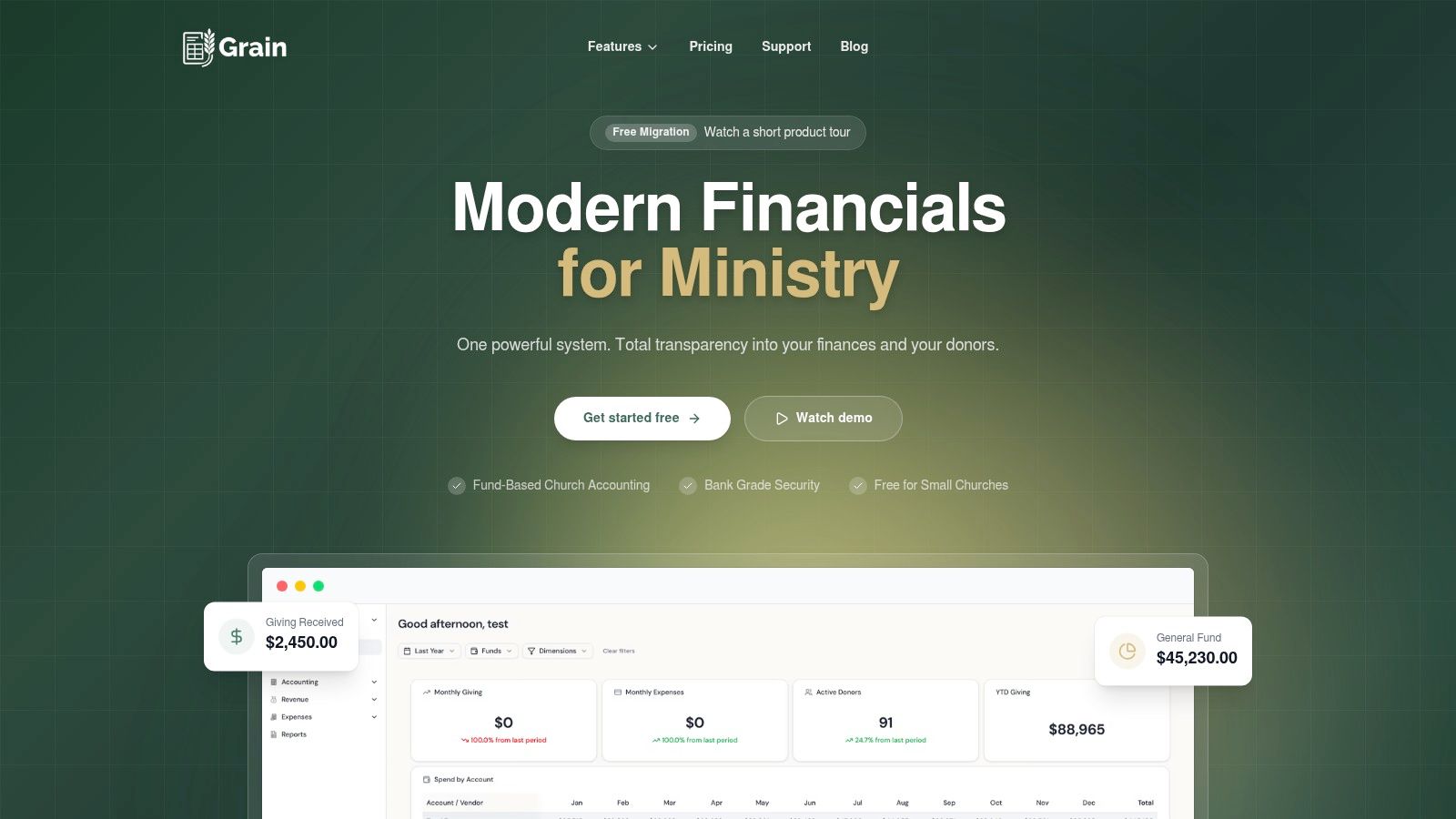
The usual breaking point is familiar. The board asks how much cash is available, and the spreadsheet only shows one total bank balance. Building fund gifts, designated reserves, payroll liabilities, and operating cash are technically in the file, but not in a format anyone can trust quickly.
That is the use case for Grain. Instead of giving you a static church balance sheet example to copy, it shows what the report looks like when the accounting system is built around church funds from the start. For this list, that puts it in a different category from the downloadable examples below. It is less useful as a one-time template and more useful as a model for churches that want the reporting structure itself to stay accurate month after month.
Aplos makes a similar point in its discussion of liquidity and fund accounting in a church statement of financial position template. A church can report healthy total net assets and still have very little unrestricted cash available for current ministry. I see that problem often. The issue is usually classification, not arithmetic.
Best use case
Grain fits churches that have moved past DIY reporting and need the balance sheet to reflect fund restrictions, liabilities, and available cash without heavy spreadsheet cleanup at month end.
It works well for:
- Small to midsize churches outgrowing spreadsheets: Transactions can be recorded by fund from the start instead of sorted later.
- Boards that need clearer reporting: Operating cash, debt, payables, and net assets show up in a format leaders can review without decoding workbook tabs.
- Churches tightening controls: Approval workflows, transaction detail, and drill-down history support cleaner review and audit prep.
How to use this
Use Grain as a reference for what your own church balance sheet should accomplish, even if you are still on a manual process.
Start with three checks:
- Separate cash by purpose: General operating cash should not be buried inside total cash if a large share is restricted.
- Show liabilities completely: Credit cards, payroll obligations, reimbursements, and loan balances need to sit on the statement, not in side schedules.
- Match net assets to reality: If leadership has designated reserves or donors restricted gifts for a project, the statement should make that visible.
If your current example cannot answer those three questions, the format needs work.
Trade-offs to know
Software adds setup work and requires cleaner processes than a basic worksheet. Lower-priced plans may have feature limits, and payroll is a separate product rather than part of the core accounting package.
That said, the trade-off is straightforward. Churches spend less time rebuilding reports manually, and the statement of financial position is more likely to stay aligned with how ministry funds operate. Grain includes fund-based double-entry accounting, GAAP-compliant financial statements, approval workflows, giving and donor reporting, vendor and 1099 tools, invoice capture, and QuickBooks migration support. In practice, it represents the automated version of the reporting discipline many churches are trying to create by hand.
2. CapinCrouse ACCM Illustrative Financial Statements
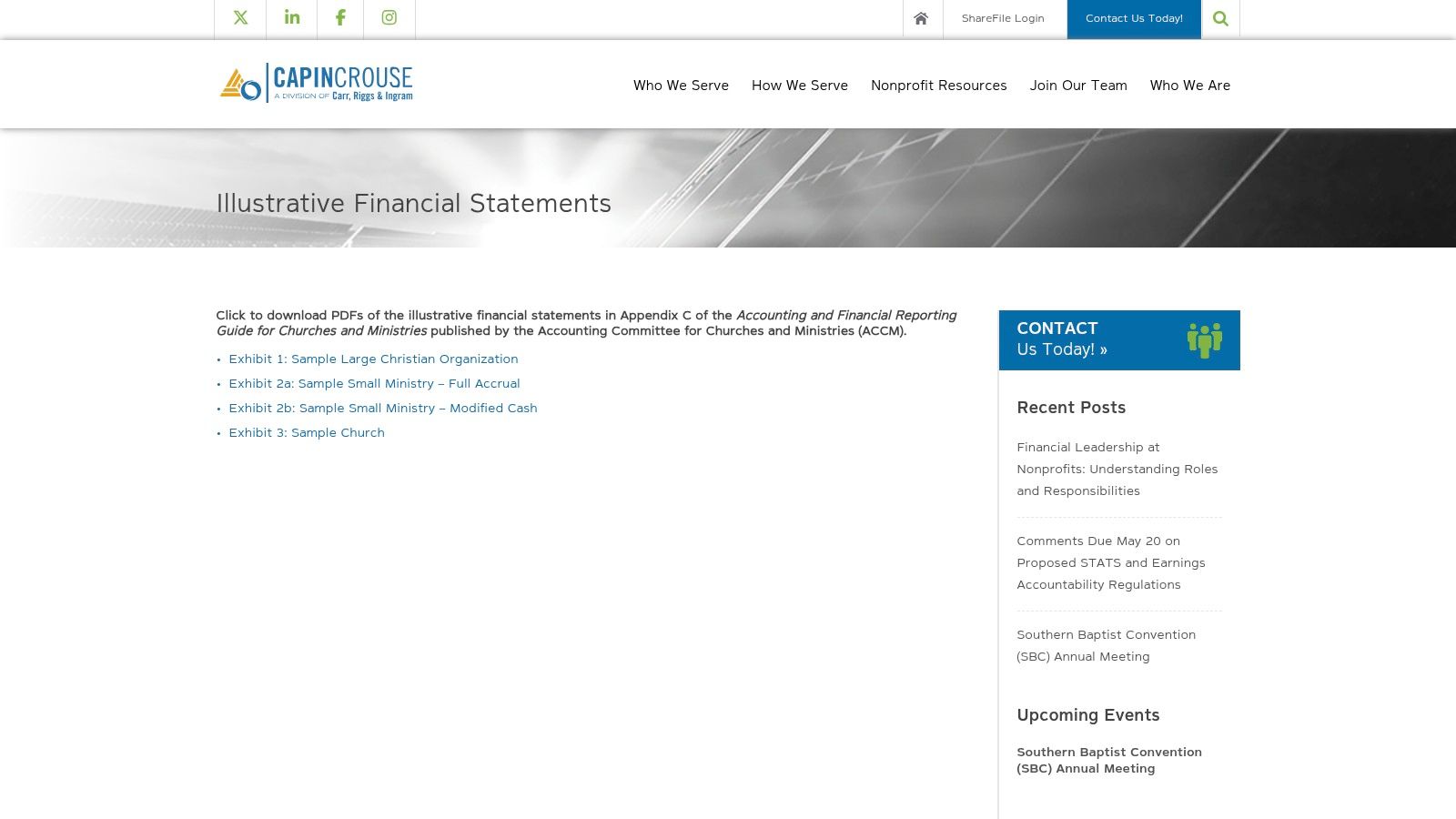
When a church asks for an audit-ready example, I don't send them to a simple worksheet first. I send them to a full financial statement set. The ACCM illustrative statements from CapinCrouse are useful because they show the Statement of Financial Position in the context it belongs in, alongside activities, cash flows, and notes.
That makes this a strong option for churches preparing for outside review, board-level reporting, or policy cleanup. You can access it on the CapinCrouse ACCM statements page.
Best use case
This is the closest thing on the list to a model presentation standard. If your finance committee needs to see what “finished” looks like, this is valuable. It also helps churches that still use older restricted versus unrestricted language in legacy materials understand how modern nonprofit reporting centers on assets, liabilities, and net assets.
What it does well:
- Shows full GAAP-style presentation: Not just the balance sheet, but the surrounding statements and disclosures.
- Helps with external expectations: Auditors, lenders, and experienced board members usually want consistent terminology.
- Raises the reporting standard: It can expose where an internal spreadsheet is too informal.
A technical example is often most useful when you don't copy it line for line. You use it to upgrade your categories, terminology, and disclosures.
The downside is obvious. It's not an editable operating template. Volunteer treasurers may find it more formal than they need for monthly use. But as a benchmark, it's excellent.
3. Aplos Free Church Balance Sheet Template
Aplos is a good middle ground between a blank spreadsheet and a full accounting system. The template is editable in Excel and Google Sheets, includes sample data, and uses church-friendly terminology. For a small church that needs a practical church balance sheet example this week, that's often enough.
There's another reason I like it as a teaching tool. Aplos explains that the statement is a point-in-time view of assets, liabilities, and net assets, and it emphasizes the decision value of segmenting net assets by restriction or designation so leaders can see what's available versus committed.
How to use it well
Don't treat this as a form you fill out once. Use it as a monthly board packet format. That's where it starts becoming useful instead of decorative.
A good workflow looks like this:
- Separate operating cash from restricted cash: Don't leave all bank balances combined without fund context.
- List short-term obligations clearly: Accounts payable and payroll liabilities should be visible, not buried in another tab.
- Show net assets by fund logic: If your church tracks designated or permanently restricted balances, reflect that.
Church finance guidance also notes that leaders can run a balance sheet for a month, year, or several years, but the report still represents one point in time, and the balance-sheet equation remains assets equals liabilities plus equity or net assets in nonprofit terms, as described in Vanco's church financial report guide.
The limitation is scale. Once you have multiple reserves, debt, payroll complexity, or several bank accounts, a single-sheet template starts to strain. At that point, software is safer than customization.
4. ProjectionHub Church Balance Sheet Template
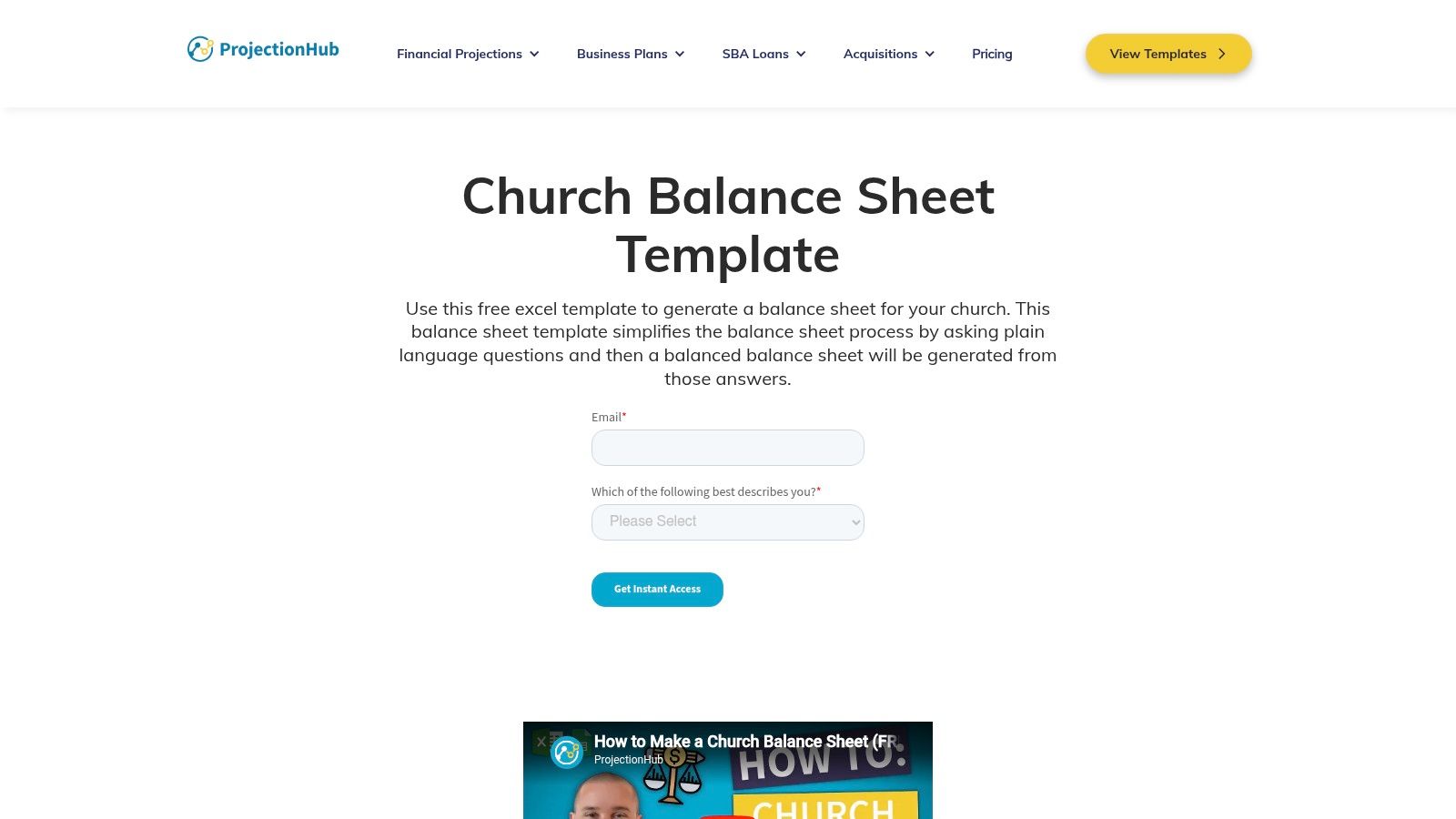
ProjectionHub's template is one of the easier starting points for volunteers. If you've got a part-time bookkeeper, a treasurer inheriting messy files, or a church plant trying to impose order on basic finances, this one won't overwhelm people.
The strength here is accessibility. The worksheet is input-driven and aimed at helping users generate a balanced statement without deep accounting knowledge. You can find it on the ProjectionHub church balance sheet template page.
Where it fits
I'd use ProjectionHub when the primary need is structure, not sophistication. It gives churches a framework for assets, liabilities, and net assets without forcing them into audit-level reporting language on day one.
It's especially helpful for:
- Volunteer handoff situations: The next treasurer can understand what happened.
- Church plants: Basic categories are often more urgent than advanced reporting.
- Early planning conversations: It pairs well with broader forecasting work.
The weak spot is fund detail. If your church manages designated gifts, board reserves, or multiple ministry funds, you'll likely need to edit the file. That's not a flaw so much as a reminder that simple templates are best for simple realities.
5. IconCMO Sample Statement of Financial Position
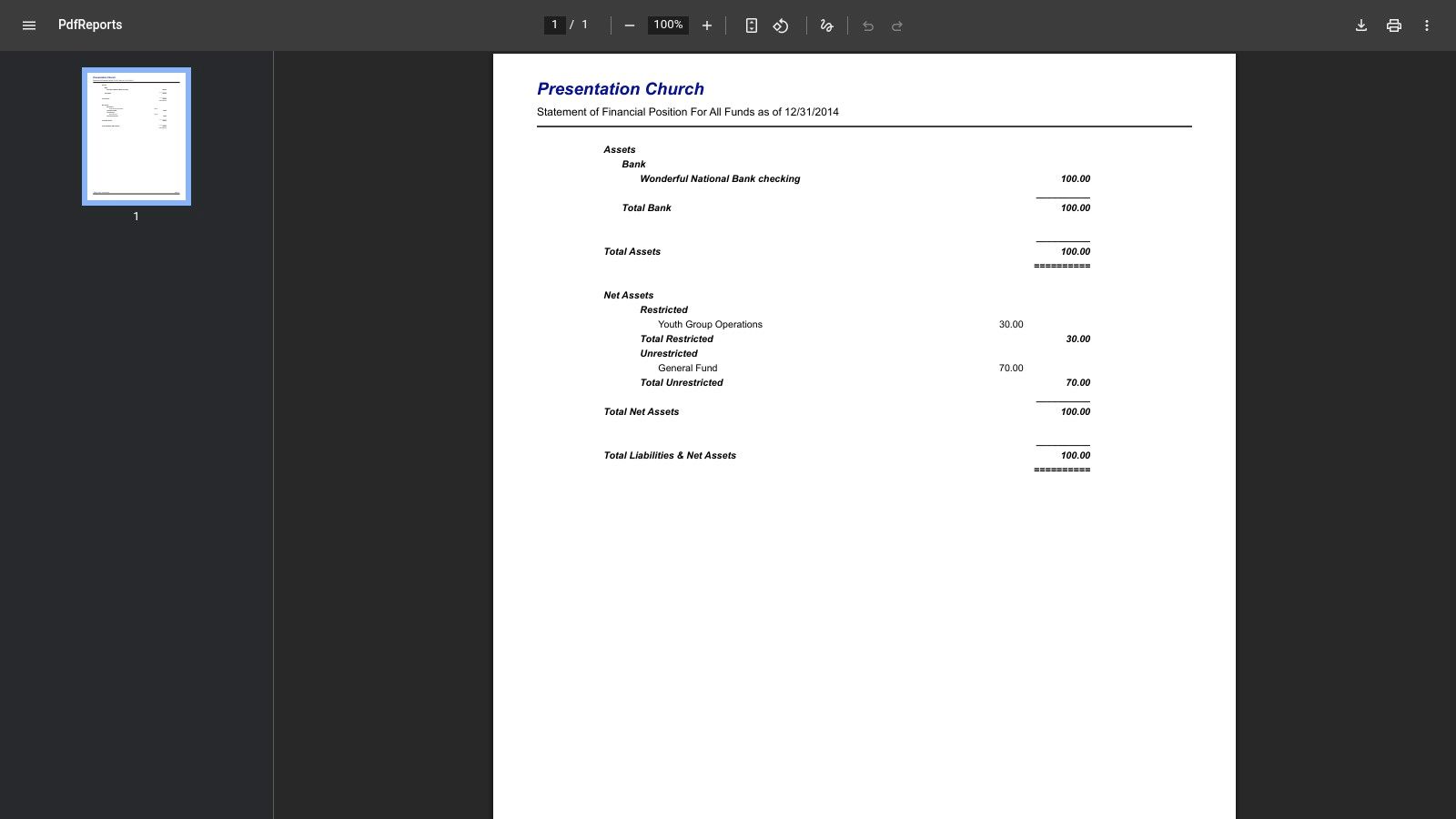
Some church balance sheet examples answer the wrong question. They show totals, but they don't show whether leaders should review the church by fund or as one organization-wide picture. IconCMO's sample is useful because it helps people see both.
The “all funds” presentation gives a consolidated view, while its related fund-accounting materials help churches understand per-fund reporting. The sample PDF is available from IconCMO's organizational-wide balance sheet example.
What it teaches better than most templates
Churches often ask, “Can we spend this money?” That question can't be answered from a lumped cash total. Recent church finance guidance stresses the importance of separating operating cash, donor-restricted funds, board-designated reserves, and liquid versus committed balances so leaders don't assume all cash is free cash, as discussed in the Presbyterian Foundation's article on managing your church's balance sheet.
IconCMO helps frame that issue by showing how all-funds reporting differs from fund-level visibility.
A consolidated balance sheet is useful for oversight. A fund-level balance sheet is useful for decisions. Most churches need both.
Its limitation is editability. This is a static example, not a workbook. But for finance teams that need to understand reporting logic before changing their process, it's worth reviewing.
6. ELCA Office of the Treasurer Guide
The ELCA guide is one of the more practical denominational resources because it speaks the language local treasurers commonly use. Its sample balance sheet uses fund columns such as General, Restricted, and Endowment, which is often easier for church boards to read than a heavily condensed statement.
You can review it in the ELCA congregational treasurers and bookkeepers guide.
Why fund columns help
Column-based presentation is useful when a church is trying to stop commingling ministry resources. A board can look at one page and immediately see whether the general fund is carrying the weight while other funds remain unavailable for ordinary operations.
This format works well for:
- Congregational boards: It's intuitive and easy to explain.
- Treasurers training volunteers: Fund logic becomes visible.
- Churches with endowments or memorial funds: Separate columns reduce confusion.
The trade-off is portability. Because it's a PDF example, you'll need to recreate it in your own spreadsheet or software. Some terms and policies also reflect ELCA practice, so non-ELCA churches should adapt the presentation rather than copy it blindly.
7. Church Extension Plan Balance Sheet Form
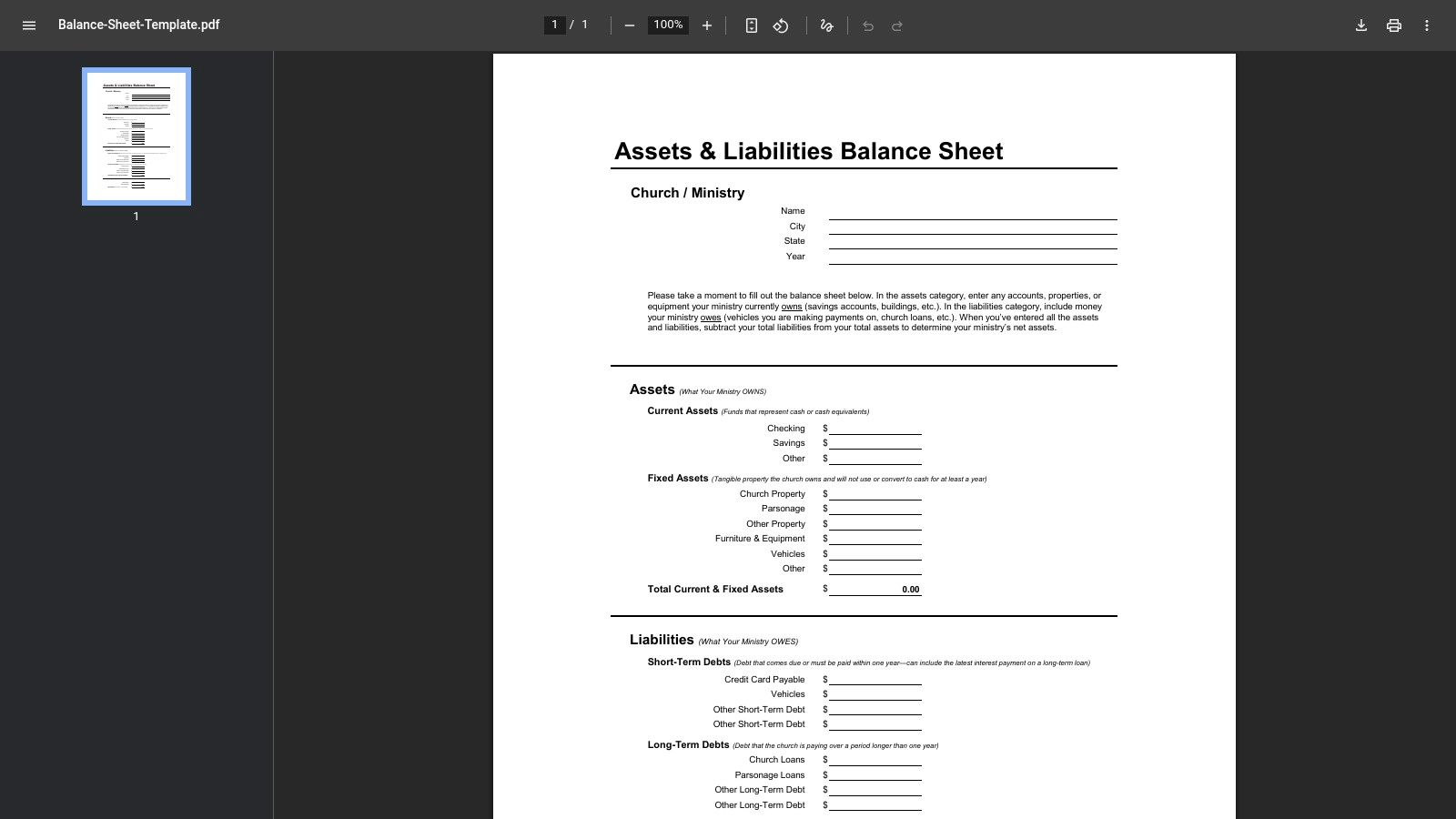
If your church is talking to a lender, simple and familiar often beats elegant. The Church Extension Plan form is a straightforward assets-and-liabilities snapshot that works well for financing conversations, board review, and quick internal reporting. You can get it from the Church Extension Plan balance sheet template.
Best for debt and lender conversations
This is the most lender-oriented option on the list. It doesn't try to teach fund accounting in depth. It gets the main categories onto the page in a recognizable format.
That matters because debt decisions should be grounded in balance sheet reality. Independent church guidance points to a common benchmark that total debt generally shouldn't exceed twice annual giving, with the example that if annual giving is $500,000, debt would be about $1,000,000 at that ceiling, as summarized in the Vanco resource noted earlier. A lender-facing form helps boards put those discussions in one place.
There is one important caution. Church practitioners note that fixed assets and depreciation can make reports more confusing than helpful for some congregations, especially when the fundamental question is operating flexibility rather than resale value. The trade-off around property, buildings, and debt presentation is discussed in this church balance sheet discussion on YouTube.
For lender use, this CEP form is strong. For fund-level ministry management, it needs supplementation.
Church Balance Sheet Examples, 7-Item Comparison
| Item | Implementation Complexity 🔄 | Resource Requirements ⚡ | Expected Outcomes 📊⭐ | Ideal Use Cases 💡 | Key Advantages ⭐ |
|---|---|---|---|---|---|
| Grain | Moderate–High, SaaS setup, integrations, migration support | Medium–High, paid plans, bank/connects, optional payroll add‑on | GAAP‑compliant, fund-native reports, automated posting, donor analytics | Churches needing integrated fund accounting, audits, and growth scaling | Native fund double‑entry, automation, audit trails, donation integrations |
| CapinCrouse, ACCM Sample | Moderate, interpretive use for reporting models | Low–Medium, download + accounting expertise or CPA review | Authoritative GAAP illustration for audits and external reporting | Boards, finance teams, auditors building gold‑standard statements | CPA‑prepared, complete GAAP financial statement set |
| Aplos, Free Template | Low, simple spreadsheet setup and customization | Low, Excel/Google Sheets skills only | Practical, editable balance sheet for everyday use | Small/mid churches wanting quick, editable templates | Easy to implement, church‑focused prompts and sample data |
| ProjectionHub, Template | Low, input-driven Excel with auto‑balance | Low, basic spreadsheet familiarity | Balanced Statement of Financial Position; good starter outputs | Volunteer treasurers and part‑time bookkeepers | Auto‑balancing inputs and clear section explanations |
| IconCMO, Sample PDF | Low–Moderate, review and adapt examples | Low, PDF review; may need system-specific mapping | Real-world per‑fund and consolidated presentations for learning | Understanding fund‑by‑fund vs consolidated reporting | Practical per‑fund examples with explanatory articles |
| ELCA Treasurer Guide | Low, read and apply sample layouts and checklists | Low, primarily guidance; may need adaptation | Fund‑column balance sheet plus best‑practice guidance | Congregational treasurers seeking denomination‑aligned practices | Clear fund layout, plain‑language guidance, checklists |
| CEP, Balance Sheet PDF | Very Low, fillable PDF form for quick use | Very Low, printable form, minimal instruction | Simple asset vs liability snapshot suitable for boards/lenders | Lenders, boards, quick financial snapshots for financing | Lender‑recognized, easy to adopt and share |
Related church budgeting resources
Use these resources together when moving from a spreadsheet budget to cleaner monthly church financial reporting.
- Free church budget generator - build a custom Excel budget template for your church
- Church budget template Excel guide - download and adapt a practical budget template
- Nonprofit budget examples - compare operating, program, and restricted-fund budget formats
- Grain Ledger budgeting - connect budgets to fund accounting and monthly reports
- Best church accounting software - compare fund accounting tools when the spreadsheet budget outgrows Excel
The Ultimate Balance Sheet From Examples to Automation
These examples do an important job. They show the structure of a proper church balance sheet example, and they help churches move from scattered spreadsheets toward a coherent Statement of Financial Position. That alone is progress.
But most churches don't struggle because they've never seen a template. They struggle because manual reporting breaks down in ordinary ministry life. Donations get posted to the wrong place. Restricted gifts sit in the same cash account as operating funds. Payroll liabilities, accounts payable, and designated reserves don't get updated in one consistent process. By the time the board sees the report, the numbers may add up, but the story is unclear.
That's why the best manual examples eventually point to the same conclusion. A balance sheet should show what the church owns, what it owes, and what remains in net assets at one date, but leaders also need to know which resources are liquid, which are restricted, and which are already committed. If the answer to “Can we spend this money?” still requires a hallway conversation after the report is printed, the reporting system isn't doing enough.
For very small churches, an editable spreadsheet from Aplos or ProjectionHub can be the right next step. For audit prep, CapinCrouse is stronger. For fund-logic training, ELCA and IconCMO are useful. For lender conversations, CEP is practical.
The long-term answer, though, is automation inside a true fund-accounting system. Grain Ledger stands out because it applies the best practices behind these examples inside the accounting workflow itself. Instead of building a church balance sheet example by hand each month, you get fund-based reporting generated from the same system that records donations, bank activity, payables, and approvals. That means less cleanup, fewer stewardship risks, and a clearer picture for pastors, finance teams, and boards.
If you want a plain-English refresher on what a balance sheet shows, this short guide from Stewart Accounting on how to analyze your financial snapshot is a helpful companion.
If you're ready to move past templates and into real fund-based reporting, take a look at Grain. It's built for churches that need clean balance sheets, clear fund visibility, and accounting that matches how ministry finances operate.
Ready to simplify your church finances?
Start free with church fund accounting, or watch a product demo first.