Top Apps For QuickBooks Desktop For Churches 2026
 By Gibson Brueher, Founder of Grain Ledger
Discover the best apps for QuickBooks Desktop for churches. Our 2026 list covers giving import, reporting, payroll, & more to streamline ministry finances.
Monday starts with a giving export. By Tuesday, a pastor needs a ministry balance. Before the week ends, the finance committee asks for reports that separate designated funds clearly enough for non-accountants to follow. QuickBooks Desktop can still keep the books, but many churches reach the point where keeping it going takes more workaround than wisdom.
About Grain Ledger: This guide includes Grain Ledger, church fund accounting software built for designated gifts and ministry funds. It connects giving platforms (Planning Center, Pushpay, Tithely, Stripe), syncs bank activity with Plaid, and produces fund-level financial reports. Schedule a demo to see how it compares for your church.
See Grain Ledger for your church
Fund accounting, giving integrations, and bank reconciliation in one platform. Free migration support for churches switching from QuickBooks or Aplos.
That is usually when churches start looking for apps for QuickBooks Desktop.
There is a practical reason for that. Desktop has a large app ecosystem, and that gives you plenty of ways to patch weak spots. If you need a closer look at the church-specific limitations behind those patches, our guide to QuickBooks for churches and fund accounting trade-offs covers the bigger picture.
The issue is fit. Most QuickBooks Desktop apps were built for standard business jobs like bill pay, expense capture, CRM, tax automation, and file storage. Churches can use those tools, and sometimes they help a lot. But they rarely solve the ministry-specific problems underneath the workflow. You still have to answer basic stewardship questions. Which gifts were restricted. Which ministry spent against which fund. Which report will make sense to a treasurer, a pastor, and a board member in the same room.
We have seen this pattern often. One app helps with receipts. Another improves approvals. A third handles imports better than QuickBooks alone. The stack can reduce manual work, but it also creates more sync points, more rules to maintain, and more room for something to break unnoticed between systems.
That is the trade-off behind this list. These apps may improve a specific process inside QuickBooks Desktop. They do not turn QuickBooks Desktop into a church finance system built around funds, donors, and stewardship reporting. If your church is adding app after app just to approximate those basics, the bigger question is no longer which connector to install first. It is whether the foundation still fits the job.
1. Rightworks Transaction Pro
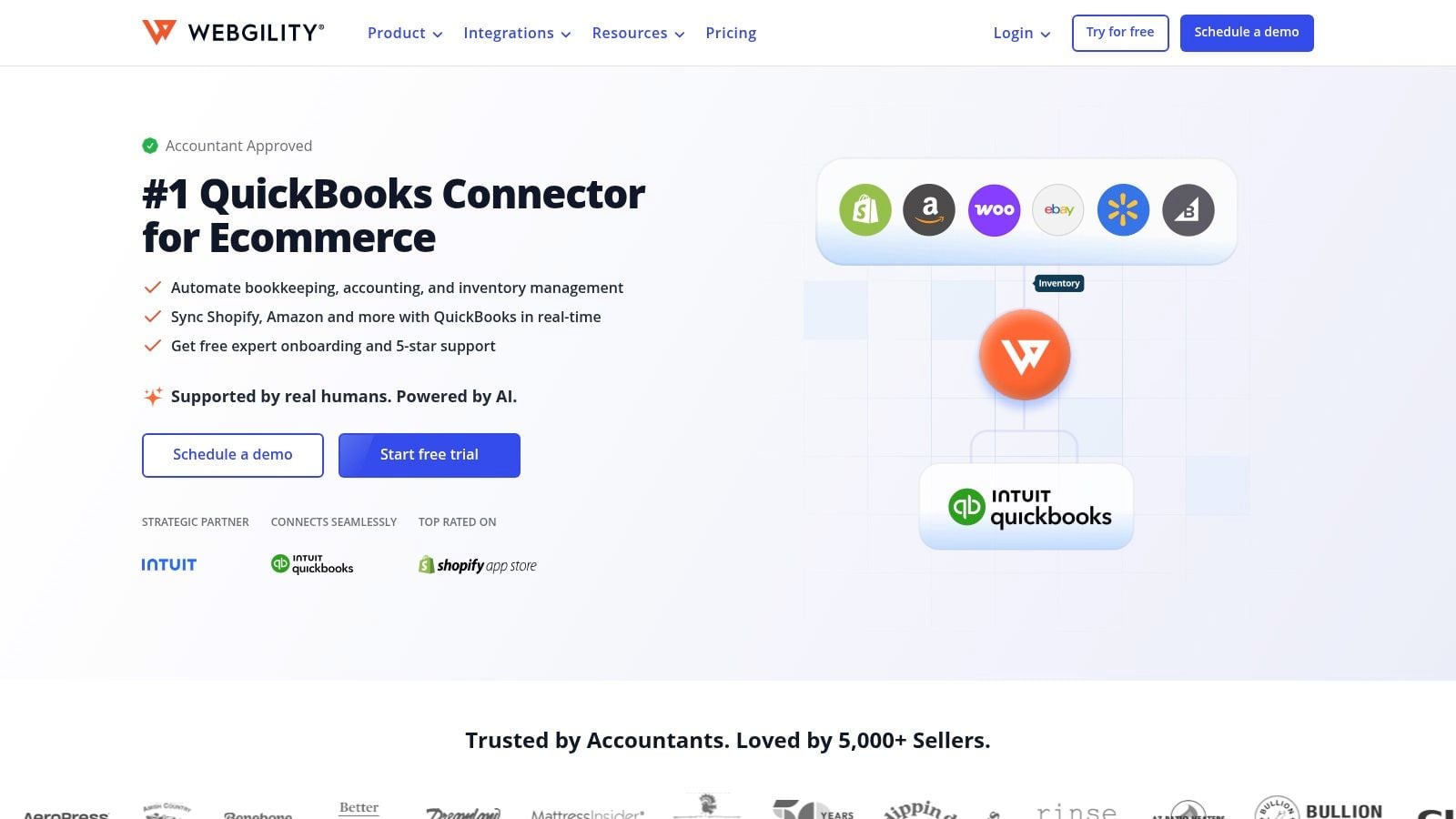
If your church is still importing giving summaries, event revenue, or historical cleanup entries by hand, Transaction Pro is usually the first utility worth adding. It handles the unglamorous work well. Importing, exporting, deleting, and reworking records in QuickBooks Desktop is exactly where many church offices waste time.
For churches using disconnected giving tools, this is often the closest thing to relief without a full systems change. You can save mapping templates and reuse them, which matters when your weekly import format rarely changes. That turns a repetitive bookkeeping chore into a controlled process instead of a fresh guessing game every week.
Where it helps most
Transaction Pro is strongest when the problem is volume, not logic. If you already know where data belongs, this tool helps you move it in cleanly.
- Weekly giving imports: Reuse field mappings for standard offering batches, online giving summaries, or event registrations.
- Historical cleanup: Reclassing old entries or fixing a bad import is much easier in bulk than inside QuickBooks one transaction at a time.
- Multi-file work: If you manage more than one company file, the license approach is practical.
Practical rule: Use Transaction Pro only after you’ve finalized your chart structure, classes, and naming conventions. If your mapping is sloppy, the import will faithfully multiply your mistakes.
The limitation is important. This is not a live sync product. It won’t solve reconciliation logic between systems, and it won’t make QuickBooks behave like a church-native ledger. It moves data more efficiently.
That still makes it valuable. For many teams reading about QuickBooks for churches, this is the app that buys breathing room while they decide whether to keep patching Desktop or move to a system designed for ministry finance.
You can review the product on Rightworks Transaction Pro.
2. BILL
Monday morning often exposes the weakness in a church AP process. A utility bill is sitting in someone's inbox, a camp deposit is waiting for approval, and the bookkeeper is trying to confirm whether the missions expense was authorized or just mentioned in a hallway conversation. BILL helps clean up that kind of disorder.
Its value is straightforward. Bills come in digitally, approvals follow a defined path, and payments leave a record. For churches with multiple approvers, part-time office staff, or treasurers who review items offsite, that structure can reduce confusion fast.
Where BILL earns its place
I like BILL most when the primary problem is workflow discipline. QuickBooks Desktop can store the final transaction, but it is not built to manage the full approval process around that transaction.
- Clear approvals: Ministry leaders, administrators, and final signers can review bills in a consistent order.
- Better documentation: Payment history and attached invoices are easier to pull during month-end close or audit prep.
- Less dependency on paper: Churches can stop chasing folders, printed copies, and emailed PDFs across several people.
If you're comparing options in the broader category of best accounts payable automation software, BILL deserves a look for churches that feel buried in AP.
The trade-off is the same one I see with a lot of QuickBooks add-ons. BILL improves bill flow. It does not repair a weak accounting structure underneath it.
That matters in church finance. A bill can move through approvals perfectly and still be coded in a way that leaves leadership with muddy reports on designated giving, ministry spending, or restricted balances. Churches that need clearer reporting should evaluate their fund accounting for churches structure at the same time, not after the AP tool is already in place.
So yes, BILL can make the payable process cleaner. It can also become one more layer in an app stack that still depends on QuickBooks classes, workarounds, and staff memory to produce ministry-grade reporting. We have seen that pattern before. The workflow gets better, but stewardship visibility still falls short.
You can explore the integration details on BILL integrations.
3. Expensify
Expensify solves a very church-specific headache, even though it wasn’t built for churches. Staff and volunteers buy supplies, meals, curriculum, travel items, and ministry materials in real life. Then the receipts show up late, incomplete, or not at all. Expensify is good at getting those purchases documented while they’re still fresh.
The mobile receipt capture is the draw. Someone snaps a photo, the expense report gets assembled, and approvals move forward without a pile of envelopes on a desk. For churches that run camps, mission travel, events, or frequent local ministry purchases, that can tighten reimbursement processes quickly.
The trade-off churches need to watch
Expensify can be configured to map expenses to QuickBooks classes, and that’s helpful if your church uses classes for ministries or restricted activity. But class tracking is not the same thing as true fund architecture.
- Best fit: Staff-heavy churches with recurring reimbursements and weak receipt discipline.
- Less helpful: Churches hoping expense software will fix balance sheet by fund issues.
- Setup concern: You need someone who understands both your reimbursement policy and your QuickBooks coding structure.
I like Expensify when the problem is operational mess. I don’t like it when leaders expect it to produce better stewardship reporting by itself. It won’t. It improves collection and approvals. It does not change the accounting foundation beneath those reports.
QuickBooks Desktop users often stack tools like this because the base system never became a smooth expense workflow hub. That’s workable for a while. But every added app becomes one more process to train, police, and reconcile.
You can see the connector setup on Expensify for QuickBooks Desktop.
4. Method CRM
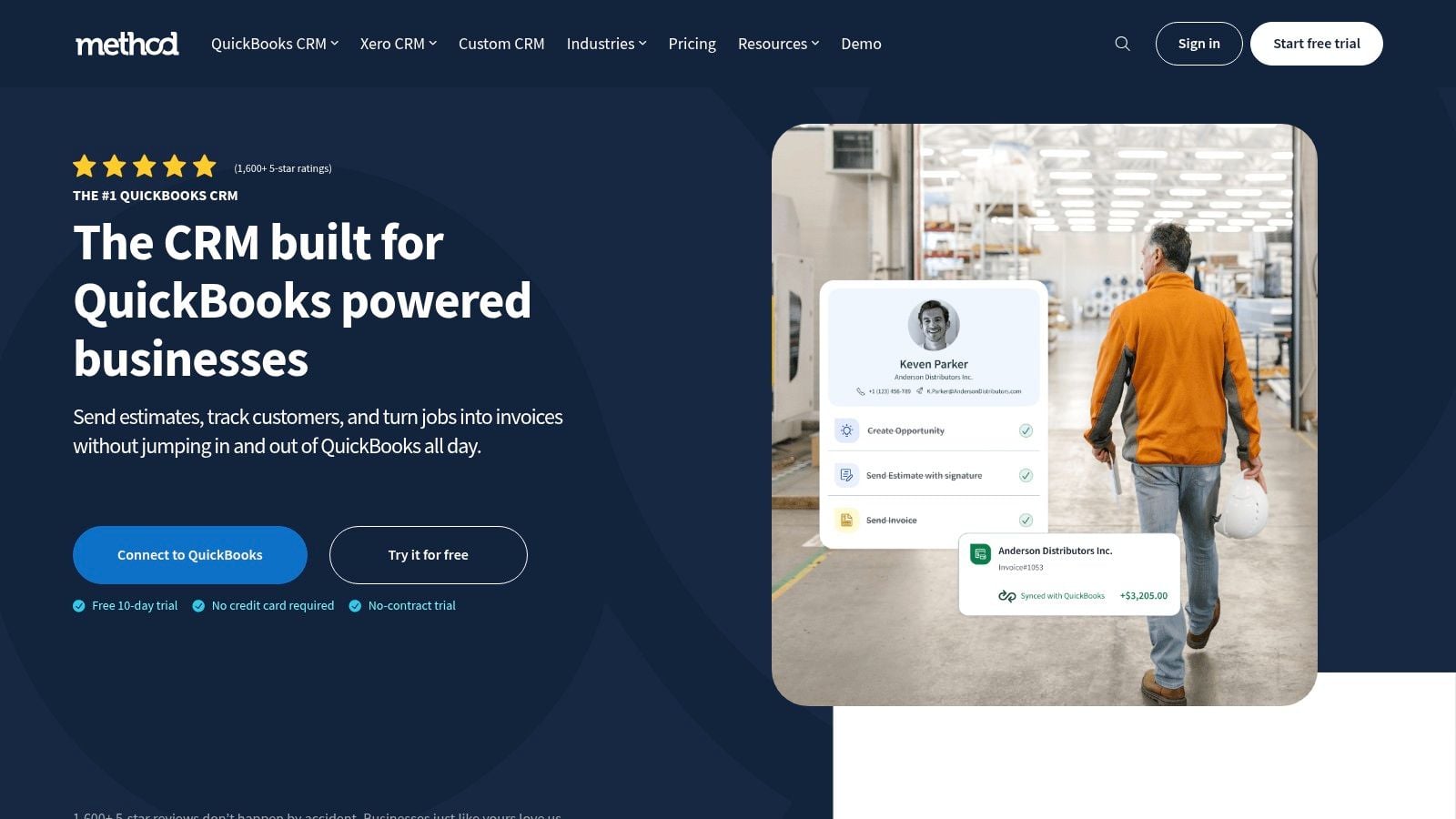
A church office takes a call about a facility rental, logs a follow-up with a donor family, and sends an invoice for a school event, all before lunch. In many churches, those details end up split between QuickBooks, spreadsheets, inboxes, and someone’s memory. Method CRM appeals to teams in that situation because it gives staff a web-based place to manage customer and contact activity while keeping QuickBooks Desktop connected in the background.
That QuickBooks-first design is the primary advantage here. Method was built to work with QuickBooks Desktop Pro, Premier, and Enterprise, so the sync is deeper than what you usually get from a general CRM add-on. Staff can update contacts, estimates, invoices, and workflow records without putting the accounting file in front of everyone.
For churches, that creates a practical question. Are you trying to improve front-office coordination, or are you trying to fix church accounting?
Method is stronger on the first problem. If your church handles tuition, event registrations, space rentals, bookstore sales, or other receivable-heavy activity, it can give your team a cleaner process for tracking people, follow-ups, and billing activity in one place. It also helps with separation of duties. Ministry staff can work with relationship records and operational tasks without broad QuickBooks access.
The limits matter just as much. Method can store contact history and keep billing data in sync, but it does not turn QuickBooks Desktop into a true fund accounting system. Restricted gifts, designated balances, and stewardship reporting still depend on how your chart of accounts, classes, and internal processes are set up. If those pieces are weak now, adding a CRM will not fix them.
I’ve seen churches confuse “our records finally talk to each other” with “our finance system now fits ministry reporting.” Those are different wins.
There is also a support burden. Desktop sync usually depends on a Windows machine, a stable connection, and someone who notices when the connector stops running. In a church with a small office team or heavy volunteer turnover, that dependency can become one more fragile handoff to manage.
Method:CRM is worth considering if you need a donor or customer-facing workflow layer while staying on QuickBooks Desktop. Just evaluate it carefully. It improves contact management and billing workflow. It does not solve the deeper church problem of app-stacking around a general business ledger that was never built for ministry fund accountability.
5. CLEARIFY QQube
A familiar church-office moment goes like this. The books are closed, the board packet is due, and QuickBooks clearly contains the transactions. Yet the finance team still ends up exporting reports to Excel and rebuilding the story by hand so leaders can see ministry activity, designated balances, and entity-level results in a format they can use.
QQube exists for that problem.
It pulls QuickBooks data into a separate reporting structure that works better with Excel, Power BI, and other analysis tools. For churches with multiple entities, a school or childcare arm, or several funds that need to be viewed together, that extra reporting layer can save hours and reduce the monthly scramble.
Where QQube earns its keep
QQube helps most when QuickBooks Desktop is still doing the bookkeeping, but your reporting expectations have outgrown QuickBooks' built-in output.
- Board packets: Build cleaner, presentation-ready reports from a structured data set instead of stitching together exports every month.
- Fund-style reporting: Model views that get closer to what church leaders expect, even though QuickBooks Desktop itself was not built as true fund accounting software.
- Multi-entity oversight: Combine and compare data across related organizations more effectively than native Desktop reports usually allow.
The trade-off is clear. QQube improves access to the data. It does not fix the accounting foundation underneath it.
If your chart of accounts is messy, if restricted gifts are being handled inconsistently, or if your team is relying on workarounds to explain designated balances, QQube will surface that information more flexibly. It will not turn a general business ledger into a ministry-native finance system. In practice, many churches end up adding a reporting tool because they need better visibility, then realize they are still maintaining complex manual logic to produce stewardship-friendly reports.
That is the larger question this app raises. Once you need QuickBooks, plus a reporting warehouse, plus spreadsheet models to explain church finances clearly, your stack may be telling you something. The issue is no longer just reporting. It is whether the underlying system fits ministry accountability in the first place.
CLEARIFY QQube is worth a look if reporting is your main pain point and you already have someone comfortable building reports. If your team does not have that skill set, or if your bigger problem is fund accountability rather than report formatting, adding another layer may only postpone the decision to move to a system built for churches.
6. QODBC Driver for QuickBooks
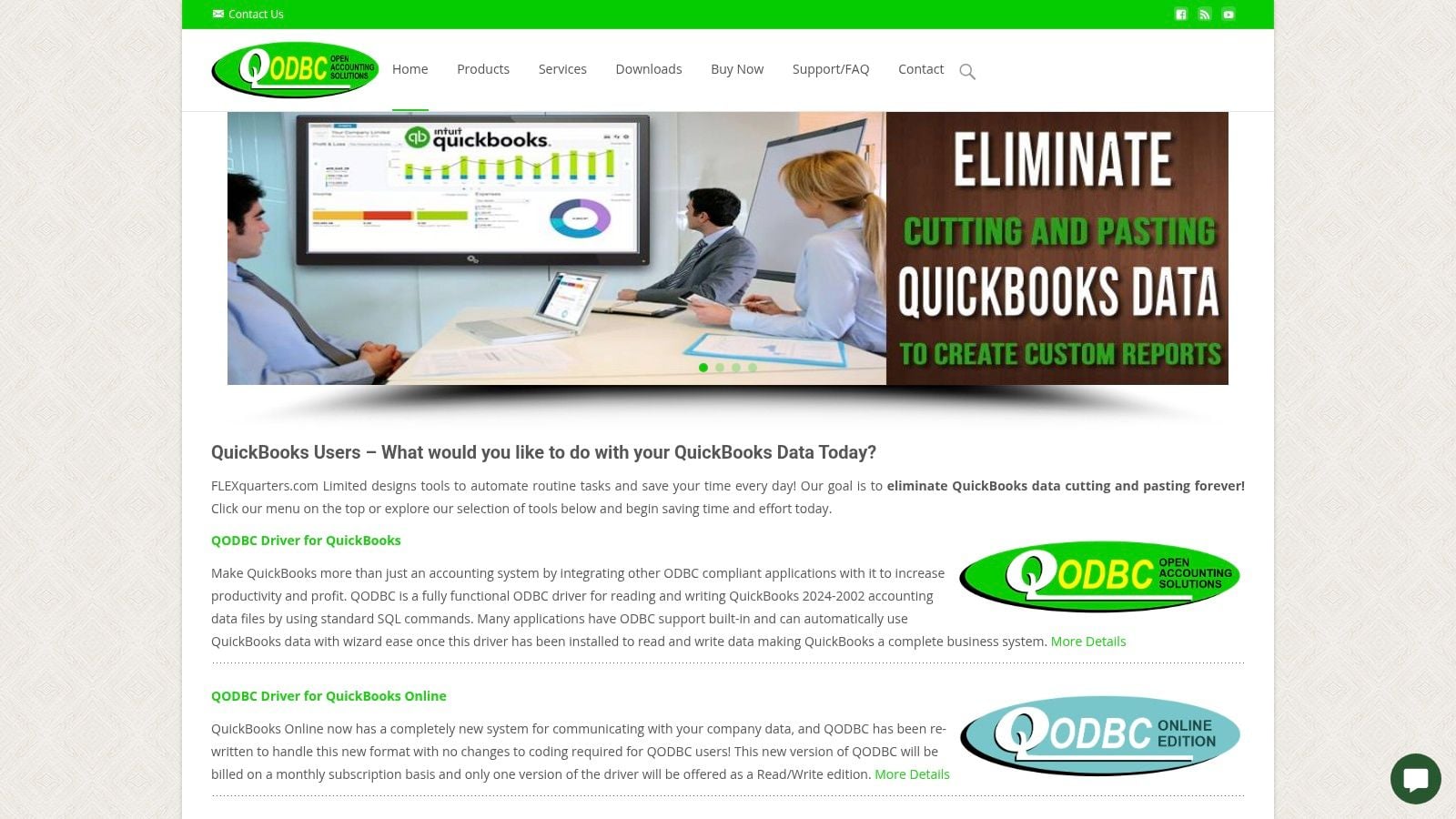
QODBC is not a normal church-office recommendation. It’s a technical tool for power users, consultants, or developers who want direct access to QuickBooks Desktop data through ODBC-compatible tools like Excel and Access. If that sentence already sounds tiring, this probably isn’t your app.
Still, it deserves a place on the list because some churches and nonprofit service firms use it to build custom reports, custom exports, or niche integrations that no off-the-shelf app covers. It can be a practical bridge when your needs are unusually specific and your team has the technical confidence to support it.
Who should and should not use it
QODBC makes sense only when flexibility matters more than simplicity.
- Use it if: You have someone who understands SQL-style querying, data structure, and QuickBooks behavior.
- Avoid it if: You want plug-and-play setup, staff-friendly training, or low-risk writeback workflows.
- Be cautious with write access: Read access is one thing. Write access is where mistakes can become expensive.
The benefit is raw control. You can pull exactly what you need instead of waiting for a software vendor to support your use case. The downside is that control shifts responsibility to you.
I would not hand this to the average church bookkeeper and call it a solution. I would hand it to a trusted technical consultant who knows how to avoid damaging a company file and who understands the reporting outcome the church needs.
You can look at QODBC for QuickBooks if you need a developer-level option.
7. SmartVault
A lot of church accounting friction has nothing to do with debits and credits. It’s document chaos. Vendor invoices live in email, grant agreements live in shared folders, reimbursement support lives in text messages, and the final transaction sits in QuickBooks with no attached backup. SmartVault helps solve that problem.
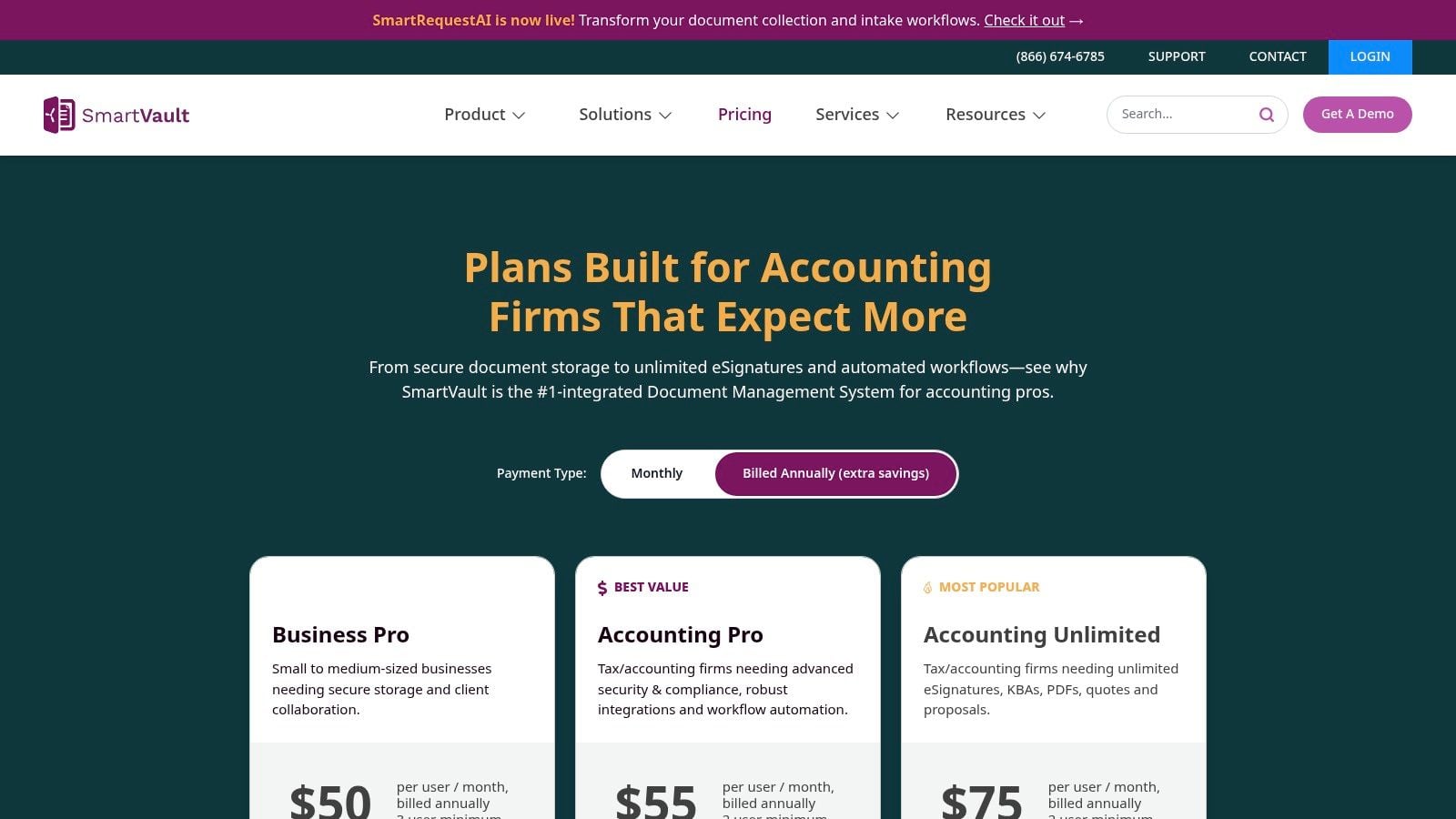
Its best feature is simple in practice. You can attach documents from within the QuickBooks Desktop workflow and keep supporting records tied to the transaction they support. That makes audits, board packet preparation, and internal review much easier.
Why this matters for stewardship
Churches answer to more than an owner or controller. They answer to finance committees, elders, donors, and often outside reviewers. When support is hard to find, confidence drops fast.
Good church bookkeeping isn't only about getting the number right. It's about being able to show why the number is right.
SmartVault helps with that discipline. Permissions are also useful when you need to share selected records or reports without giving broad access to the accounting file itself.
The limitation is cultural, not technical. If staff and volunteers don’t attach documents consistently, the system turns into another half-used repository. Small churches should also ask whether they need a full document management platform or just a simpler attachment habit.
If your current issue is audit readiness and paperless organization more than reporting logic, SmartVault is a practical add-on.
8. Recur360
Recur360 is specialized, and that’s a good thing. If your church bills for preschool tuition, facility rentals, counseling services, recurring program fees, or partnership-style commitments, recurring invoicing can become a quiet administrative burden. Recur360 tackles that burden directly.
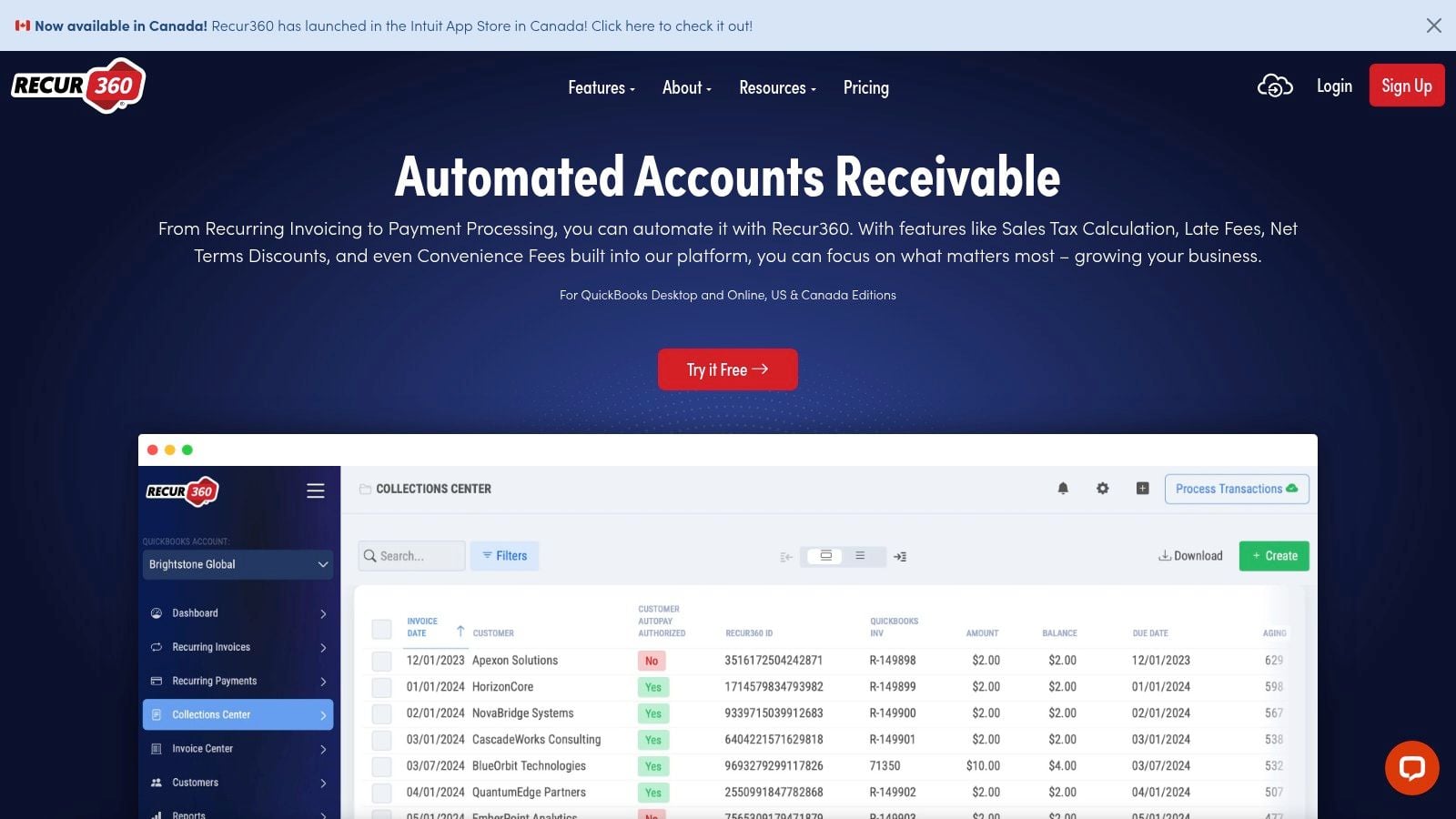
It connects through the QuickBooks Web Connector and automates recurring invoices, reminders, and customer payment flows. For the right church, this is one of those apps that saves time every month without demanding much ongoing attention once it’s configured correctly.
Best fit for church operations
This app isn’t for donations. It’s for receivables.
- Preschool or school billing: Monthly charges and reminders are easier to automate than maintain manually.
- Facility rentals: Repeat renters benefit from standardized invoices and payment options.
- Membership-style fees: Any predictable earned revenue stream is a better fit once billing is automated.
That distinction matters because churches sometimes lump all incoming money into the same mental bucket. They aren’t the same. Tuition, rent, and program fees are receivables workflows. Offerings and designated gifts are stewardship and fund-accounting workflows.
If your team is also trying to clean up payroll and disbursement operations, this kind of process review often sits beside questions about direct deposit in QuickBooks. Administrative systems rarely break one at a time.
The watch-out is technical maintenance. Web Connector-based integrations can work well, but they can also become finicky after updates or machine changes. Churches with limited IT support should factor that in before relying on it for a mission-critical revenue process.
You can review Recur360 if recurring billing is one of your hidden time drains.
9. Webgility
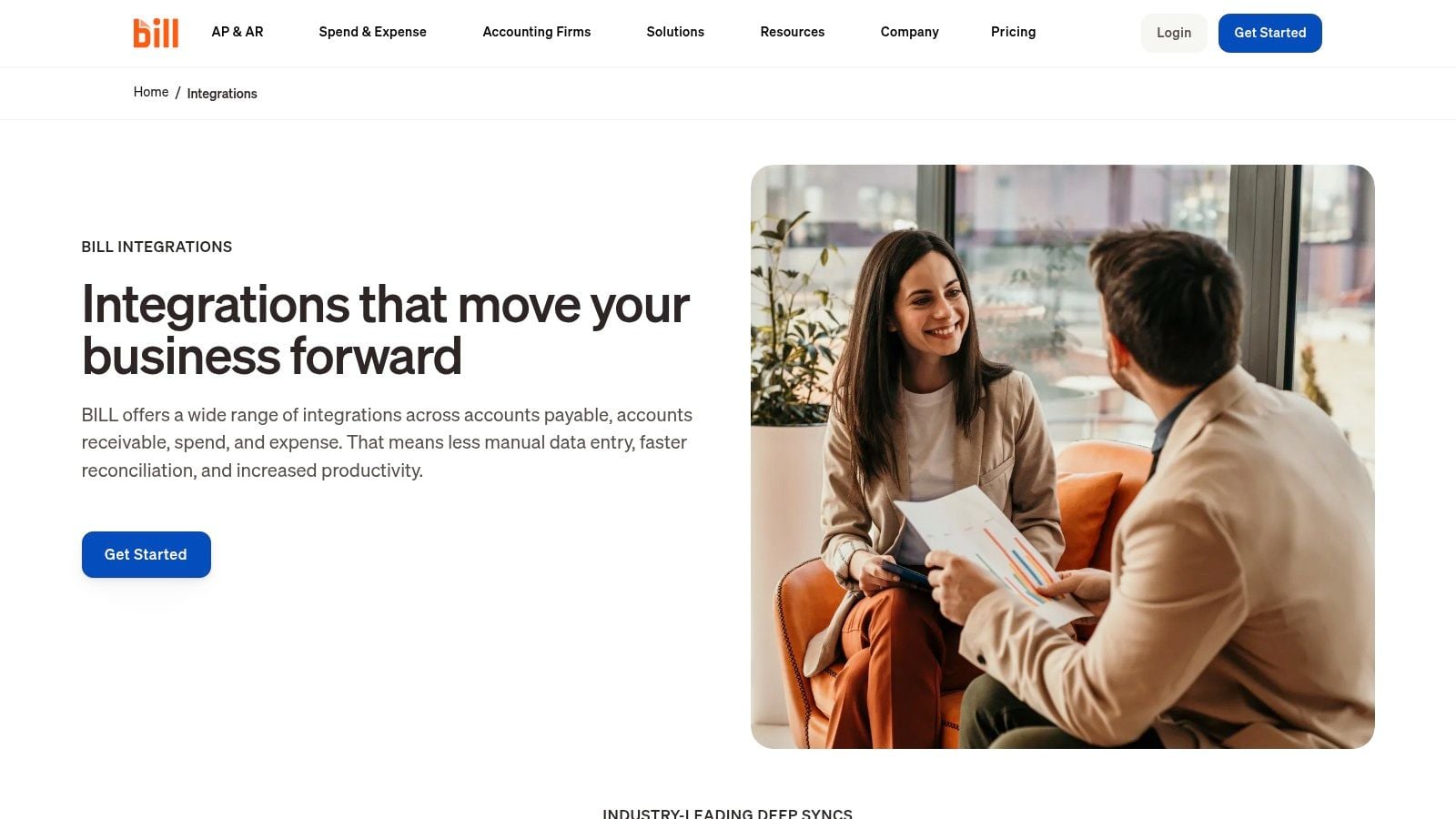
Not every church needs Webgility. Some won’t need it at all. But if your ministry runs an online bookstore, conference merch store, resource shop, or even modest ecommerce sales, manual posting gets old quickly. Fees, refunds, payouts, sales tax handling, and inventory adjustments can turn into a constant cleanup project.
Webgility is built for that environment. It automates the flow of sales data from ecommerce systems into QuickBooks Desktop and helps keep inventory and accounting records aligned.
Why this is different from a giving integration
A church bookstore is not the same thing as online giving. Product sales create a different accounting pattern, often with inventory, merchant fees, returns, and tax questions. That’s where Webgility helps.
What I like here is categorization discipline. Instead of dumping net deposits into QuickBooks and losing all transaction detail, you can preserve cleaner accounting structure around sales activity. That becomes important if your retail operation is more than incidental.
The obvious downside is relevance. If your church doesn’t sell goods online, this app does nothing for you. It also won’t fix your donor reporting, restricted fund logic, or contribution workflows. It’s narrow by design.
That’s not a criticism. Narrow tools are often the best ones, as long as we don’t expect them to solve problems they weren’t built to touch.
If ecommerce is part of your ministry operations, Webgility is one of the more practical QuickBooks Desktop options.
10. Avalara AvaTax
Most churches can skip Avalara. Some absolutely shouldn’t.
If your church has meaningful taxable sales through a bookstore, café, apparel sales, or online commerce, AvaTax can take a complicated compliance burden off your staff. It applies tax logic to transactions and helps keep the rate calculation process more consistent than manual handling.
When the investment makes sense
This is not a first-priority church finance tool. It’s a risk-management tool for ministries with real taxable sales activity.
- Strong fit: Churches selling across jurisdictions or through ecommerce channels where tax complexity grows.
- Weak fit: Churches with little or no taxable product revenue.
- Operational reality: It adds another integration layer, and some setups may depend on the QuickBooks Web Connector.
The key point is that sales tax compliance is a separate issue from fund accounting. Churches sometimes add tax software because retail activity expanded, while the core accounting stack remains unchanged. That can be the right move, but it also highlights how fragmented the whole environment can become.
I like AvaTax when there is a real tax problem to solve. I don’t like it as one more subscription added without a clear compliance need.
If taxable sales are material for your church, review Avalara AvaTax for QuickBooks.
QuickBooks Desktop: Top 10 Apps Comparison
| Tool | Core functionality | Unique selling points (✨ / 🏆) | UX & quality (★) | Pricing & value (💰) | Target audience (👥) |
|---|---|---|---|---|---|
| Rightworks Transaction Pro | Bulk import/export/delete for QuickBooks Desktop | ✨ Save/reuse mapping templates; validate before import · 🏆 Gold standard for batch data fixes | ★★★★☆ Powerful but requires careful setup | 💰 One-time license; excellent for migrations/cleanup | 👥 Churches with disconnected giving platforms; finance admins |
| BILL (Bill.com) | AP/AR automation + two‑way QuickBooks sync | ✨ Digital invoice capture, approvals, multiple pay options · 🏆 Strong fraud reduction | ★★★★☆ Streamlines approvals; sync needs management | 💰 Subscription + per-transaction fees; can add up | 👥 Churches needing remote approvals & AP control |
| Expensify | Receipt capture → expense reports → QuickBooks sync | ✨ SmartScan OCR, card integration, custom approvals | ★★★★☆ Mobile-first; eliminates shoebox receipts | 💰 Per-user/plan + card usage; variable cost | 👥 Staff & volunteers tracking ministry/missions expenses |
| Method:CRM | Donor CRM with real‑time two‑way QuickBooks sync | ✨ No-code custom workflows; Method:Donor for pledges · 🏆 Eliminates double-entry between donors & accounting | ★★★★☆ Robust donor insight; requires Windows sync engine | 💰 Per-user subscription; can be expensive for many users | 👥 Donor-heavy churches & development/finance teams |
| CLEARIFY QQube | Data extraction & BI-ready data model for reporting | ✨ Pre-built Excel/Power BI templates; multi-company aggregation · 🏆 Best for true fund-level financials | ★★★★☆ Extremely powerful; steep learning curve | 💰 License/subscription; technical investment required | 👥 Churches needing fund-based BI & custom dashboards |
| QODBC Driver for QuickBooks | ODBC access (read/write) to QuickBooks data | ✨ Raw SQL access for custom tools/integrations | ★★★☆☆ Very flexible for devs; write ops are risky | 💰 Low-cost driver; technical risk/care needed | 👥 Developers & power users building custom solutions |
| SmartVault | Secure document management inside QuickBooks | ✨ Attach source docs to transactions; client portal · 🏆 Audit-ready document trail | ★★★★☆ Great for audits; needs user training | 💰 Subscription; may be overkill for very small churches | 👥 Churches needing secure, audit-ready document storage |
| Recur360 | Recurring invoicing & automated payment collection | ✨ Automated recurring invoices, dunning, payment portal | ★★★★☆ "Set-and-forget" for predictable revenue | 💰 Subscription; depends on billing volume | 👥 Churches with tuition, rentals, recurring fees |
| Webgility | E‑commerce → QuickBooks sync (orders, inventory) | ✨ Automates sales, fees, refunds & inventory across channels | ★★★★☆ Saves manual order entry; channel-based setup | 💰 Subscription by order volume & channels | 👥 Churches running bookstores or online sales |
| Avalara AvaTax | Sales tax calculation & compliance automation | ✨ Accurate jurisdiction rates, exemption & filing services | ★★★★☆ Reduces tax risk; integration may add complexity | 💰 Subscription; best for significant taxable sales | 👥 Churches with substantial taxable retail (bookstore, café) |
Compare platforms in our best church accounting software guide for 2026, or review Grain Ledger church accounting software.
Related church accounting software resources
If you are comparing software, these pages map the main decision points: fund accounting, QuickBooks limits, pricing, and migration.
- Best church accounting software (2026 comparison) - canonical guide comparing 12 church accounting platforms
- Church accounting software product page - see Grain Ledger for fund accounting, giving, and bank reconciliation
- Small church accounting software - see the product page built for volunteer treasurers and church admins
- Fund accounting features - review how Grain Ledger tracks designated funds
- QuickBooks for churches - understand workarounds and when to switch
- Free church accounting software - compare free options and upgrade triggers
- Grain Ledger pricing - compare plans for small and growing churches
- Start free - try fund accounting, giving imports, and bank reconciliation together
Build Your Stack or Start with the Right Foundation?
A church bookkeeper usually feels the strain of app stacking on an ordinary Tuesday, not during software demos. The bank feed needs review. A bill approval is stuck in a separate system. Receipt images live somewhere else. The pastor asks for a fund report that makes sense to the board, and QuickBooks Desktop still needs classes, exports, or manual cleanup to get close.
That is the key question behind a search for apps for QuickBooks Desktop. Individual tools can solve individual problems. Transaction imports, AP approvals, expense capture, reporting, and document storage all matter. We use those functions every week. But once you stack several general business apps on top of QuickBooks Desktop, your process starts depending on careful handoffs between systems that were not designed around church accounting.
That trade-off shows up fast. Each app adds its own login, permissions, support queue, sync behavior, and training burden. If one connection breaks, the month-end close slows down. If one experienced administrator leaves, the next person inherits a system that technically works but is hard to explain and harder to trust.
For churches, the problem is not just complexity. It is fit.
QuickBooks Desktop can still serve organizations that know it well and have built stable processes around it. Some churches keep it because they want local control, familiar screens, or a setup that has survived years of staff turnover. That is understandable. We have all seen ministries stay with a tool longer because the known frustrations feel safer than a migration.
But the gaps stay the same. QuickBooks was built for general business bookkeeping, not church fund accounting, donor intent, or stewardship reporting. So churches end up recreating ministry logic with classes, clearing accounts, spreadsheets, and side systems. The books may balance, yet the reporting still feels like translation work.
That is why the better decision often starts one layer lower. Before adding another app, ask whether the base ledger fits the ministry's actual reporting and accountability needs. If your recurring pain is fund restrictions, giving reconciliation, designated balances, or board reporting, another add-on will usually treat a symptom instead of the cause.
Grain Ledger is the stronger long-term fit for that kind of work. It is built around church finance from the start, with native fund accounting, reporting that matches ministry oversight, and integrations tied to giving and bank activity. You are no longer forcing a business ledger to imitate church books.
Point solutions still have a place. A church with a bookstore may still need ecommerce tools. A larger operation may still want AP automation or document management. The difference is that those tools sit on top of a foundation that already understands funds, gifts, and stewardship.
If you are evaluating the broader array of top QuickBooks integration software tools, use that lens first. Choose the core accounting system that matches church reality. Then add software only where it removes repeat manual work without creating a second reporting problem.
If your church is tired of forcing ministry finances into business software, take a serious look at Grain. It’s built for churches that need real fund accounting, clean giving-to-ledger workflows, and reporting that makes sense to pastors, boards, and finance teams.
Ready to simplify your church finances?
Start free with church fund accounting, or watch a product demo first.