Setting Up QuickBooks for Churches 2026
Setting up QuickBooks for your church? Discover unique workarounds for fund accounting & reporting. See why tools like Grain offer a better solution for 2026.
You sit down to “clean up the books,” and within ten minutes you realize the problem is bigger than cleanup. The church has a spreadsheet for donations, another for payroll, a QuickBooks file that somebody half-configured three years ago, and a board packet that never quite answers the same question twice.
About Grain Ledger: This guide includes Grain Ledger, church fund accounting software built for designated gifts and ministry funds. It connects giving platforms (Planning Center, Pushpay, Tithely, Stripe), syncs bank activity with Plaid, and produces fund-level financial reports. Schedule a demo to see how it compares for your church.
See Grain Ledger for your church
Fund accounting, giving integrations, and bank reconciliation in one platform. Free migration support for churches switching from QuickBooks or Aplos.
That is a common starting point.
Most churches do not move into accounting software because they love accounting. They do it because spreadsheets stop working once restricted gifts, multiple ministries, reimbursements, and monthly reporting all start colliding. At that point, setting up QuickBooks feels like the responsible next step.
It can be. But for churches, it is also a workaround from the first click.
Why Your Church Needs More Than a Spreadsheet
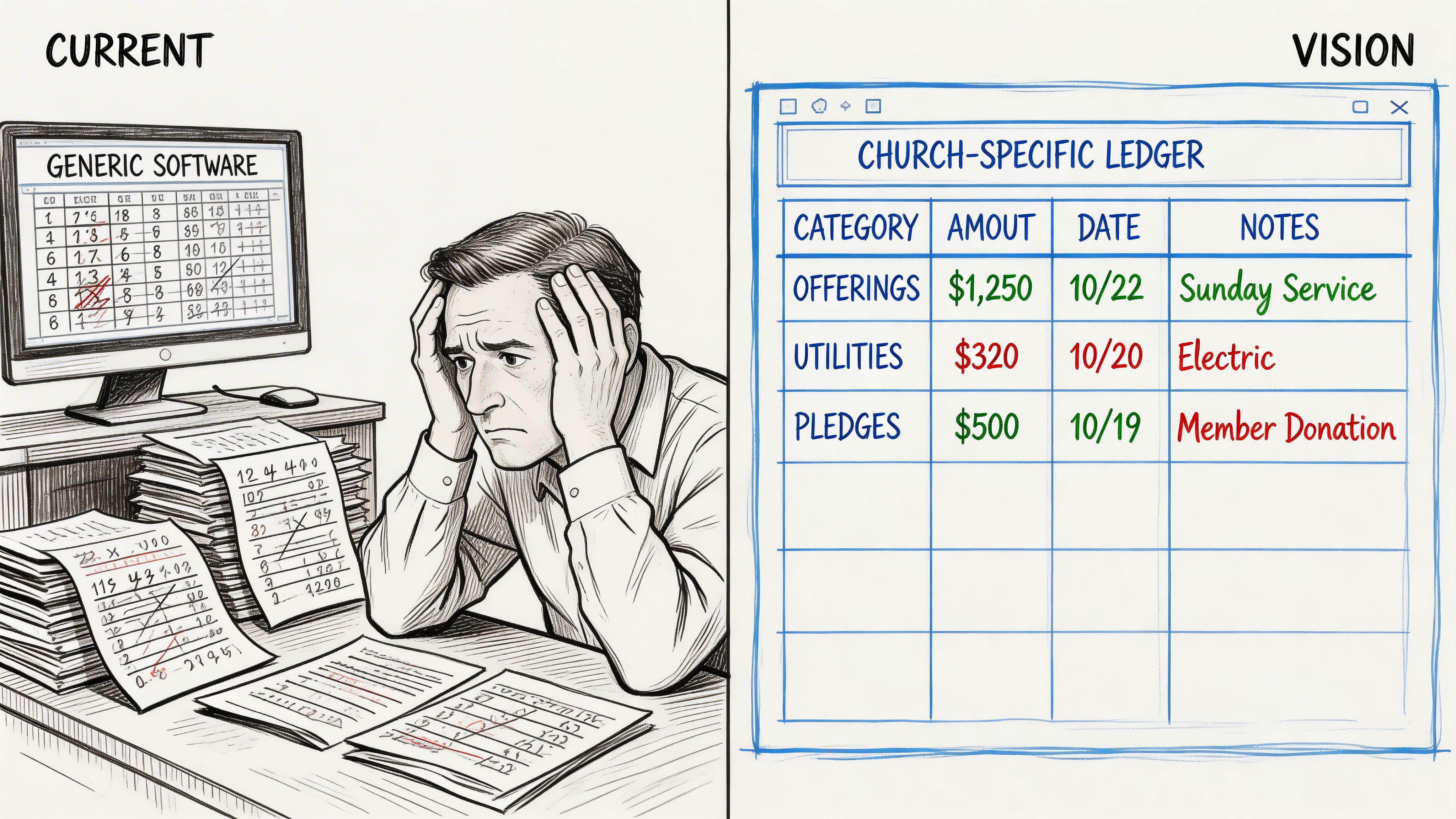
A church does not handle money like a retail shop or consulting firm. A church receives general giving, designated offerings, benevolence gifts, missions support, and building fund donations that must stay tied to their purpose. That difference matters.
A spreadsheet can hold numbers. It cannot reliably enforce stewardship.
Why churches land in QuickBooks
QuickBooks is the default for a reason. In 2023, Intuit’s Small Business & Self-Employed segment, which includes QuickBooks, generated $8 billion in revenue, and QuickBooks Online had 6.5 million customers, which helps explain why churches often start there even though it does not offer native fund accounting (fitsmallbusiness.com quickbooks statistics).
A pastor asks around. A volunteer bookkeeper asks around. An outside CPA asks what software the church uses. QuickBooks keeps coming up.
That market dominance creates comfort. It does not create church-specific design.
Where spreadsheets start to break
The first sign is usually not a dramatic failure. It is confusion.
One report says the church has cash. Another person says the building fund is already spoken for. Someone else thinks a missions gift was used for operating expenses, but nobody can prove it without tracing transactions line by line.
That is when people realize they are not just managing income and expenses. They are managing fund accountability.
A church does not just need books that balance. It needs books that show whether each dollar still sits in the right place.
The practical difference
Business accounting asks, “Did we make money?”
Church accounting asks, “Did we use this money the way we said we would?”
That is why a generic setup often creates trouble. QuickBooks can record transactions well. It does not naturally think in funds.
If you are still getting access sorted out before cleanup starts, this guide on how to sign in to QuickBooks is useful when you inherit an account with scattered admin credentials and unclear user access.
Building a Fund-Aware Chart of Accounts
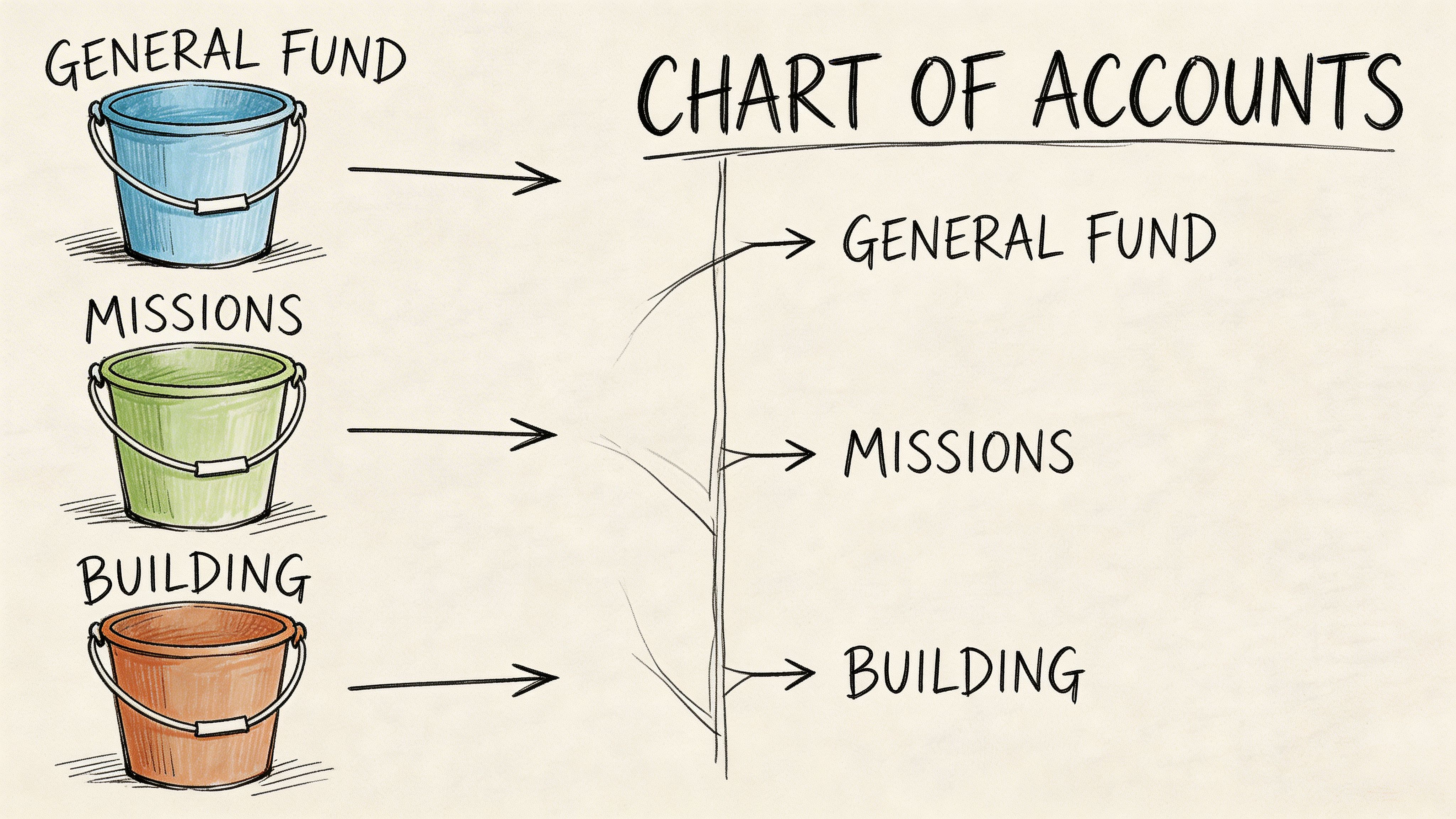
The Chart of Accounts is not just an accounting list. It is the map that tells your church where money lives, what it is for, and how reports will read when the board opens them.
If the chart is messy, every report will be messy.
Start with structure, not detail
QuickBooks setup guidance commonly recommends numbering accounts by category. That works well for churches too. A simple pattern keeps the file readable for staff, volunteers, and outside accountants.
A church-friendly structure often looks like this:
| Account range | Use |
|---|---|
| 1000s | Assets |
| 2000s | Liabilities |
| 3000s | Net assets or equity-style balances |
| 4000s | Revenue |
| 7000s and above | Expenses |
You do not need a giant chart. You need a clean one.
What belongs in a church chart
Use parent accounts for broad categories and sub-accounts for the details that matter in ministry reporting.
A practical setup usually includes:
- Assets such as operating checking, savings, and any dedicated bank sub-accounts
- Liabilities such as payroll liabilities, credit cards, and amounts owed
- Revenue accounts for tithes and offerings, designated giving, event income, and reimbursement income
- Expense accounts for payroll, ministry supplies, benevolence, facilities, worship, children’s ministry, youth ministry, and missions support
The mistake I see most often is overbuilding. Churches create too many tiny accounts because they want every ministry nuance visible in the chart itself.
That usually backfires.
Keep funds and activities distinct
Your chart should describe the kind of transaction. It should not try to carry the entire burden of fund tracking by itself.
For example:
- “Tithes and Offerings” is an income account
- “Missions Support” is an expense account
- “Pastoral Compensation” is an expense account
- “Building Maintenance” is an expense account
The fund designation should be handled elsewhere, not by creating endless account duplicates such as “Missions Expense General Fund,” “Missions Expense Building Fund,” and “Missions Expense Youth Fund.”
That kind of setup becomes unmanageable fast.
A sample church-friendly pattern
A simple example of a church-friendly pattern:
- 1010 Operating Checking
- 1020 Savings
- 1100 Undeposited Funds
- 2010 Accounts Payable
- 2300 Payroll Liabilities
- 4010 Tithes and Offerings
- 4020 Designated Giving
- 4030 Special Event Income
- 7010 Pastoral Compensation
- 7020 Ministry Supplies
- 7030 Missions Expense
- 7040 Benevolence Expense
- 7050 Facilities Expense
The account names should be obvious to a non-accountant. If a board member needs an accounting decoder ring to read a report, the setup is too complicated.
A good chart of accounts gives clarity with fewer accounts, not more accounts.
Build for reporting discipline
QuickBooks lets you customize the chart, import lists, and add numbered categories during setup. Use that flexibility carefully. Every account should answer one of two questions:
- Is this a distinct type of financial activity?
- Will the church review this line on a regular report?
If the answer is no, do not create the account.
Churches often get better results by limiting the chart to meaningful reporting categories and handling ministry designations through class-based reporting. That approach keeps financial statements shorter and more usable.
For a strong reference point on clean account design, this guide to a church and nonprofit chart structure is worth reviewing: https://grainledger.com/blog/nonprofit-chart-of-accounts
What not to do
A weak setup usually includes one or more of these mistakes:
- Duplicated accounts by fund that turn the chart into a maze
- Vague labels such as “Miscellaneous Income” or “Ministry Expense 2”
- Too much volunteer-specific language that breaks when leadership changes
- Accounts created for people instead of functions, such as naming expense categories after current staff roles
A chart should survive personnel changes, ministry changes, and software migrations.
If you are setting up QuickBooks for a church, build the chart as a stable reporting backbone. Let it stay boring. Boring is good in accounting.
Using Classes to Simulate Fund Tracking
This is the heart of the QuickBooks workaround.
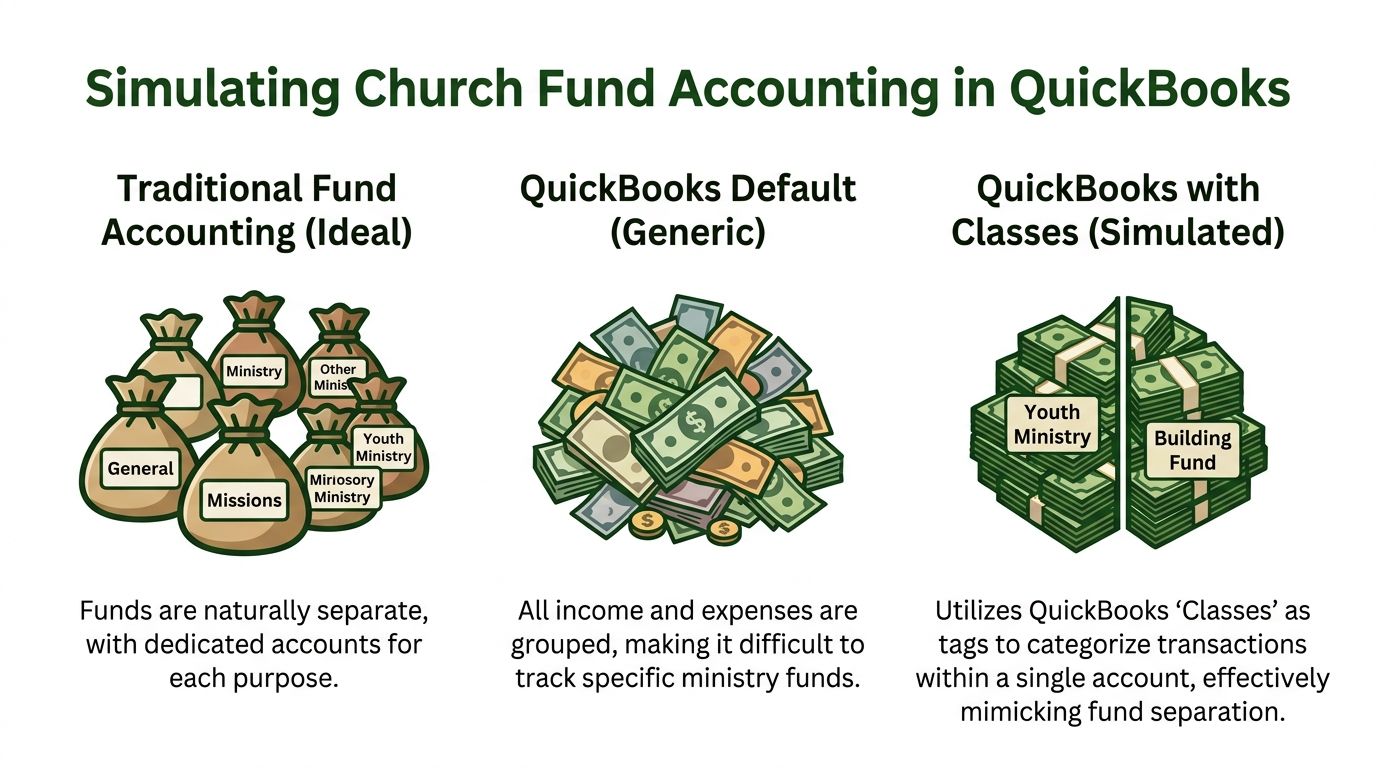
QuickBooks does not give churches a native fund framework. To make it behave more like church accounting software, you use Classes to simulate funds. That means every transaction must carry an extra layer of tagging so reports can separate general money from restricted money.
That can work. It also creates a lot of room for human error.
The first setting that matters most
For church setups in QuickBooks Online, practitioners commonly prioritize one setting. Enable Track classes and set it to Warn if not assigned to class. Skipping that warning is linked to 62% of fund misallocations in audits of nonprofits using QuickBooks workarounds (Jitasa on setting up QuickBooks for nonprofits).
That warning is not a convenience feature. It is a safeguard.
How to turn it on
In QuickBooks Online:
- Click the Gear icon.
- Open Account and Settings.
- Go to the Advanced tab.
- Find Categories.
- Turn on Track classes.
- Set the prompt to Warn if not assigned to class.
- Save the change.
Once this is active, QuickBooks starts helping you catch uncoded transactions before they distort fund reporting.
Build classes around actual funds
A church should not use classes as random ministry labels if the main goal is fund accountability. Use them to mirror the funds leadership needs to protect and report.
A workable class list might include:
- General Fund
- Building Fund
- Missions Fund
- Benevolence Fund
- Youth Restricted Gifts
Keep the names consistent. If one person enters “Missions” and another enters “Mission Fund,” reporting gets sloppy quickly.
What this looks like in day-to-day bookkeeping
Suppose someone gives to the youth retreat.
The transaction needs more than an income account. You might post the gift to a donations or designated giving income account, then assign the Youth Restricted Gifts class so the report shows that money inside the right internal bucket.
When the church later pays for retreat materials, the expense also needs the same class. If it lands in the correct expense account but no class is assigned, the church loses the fund trail.
That is why setting up QuickBooks for a church is not just a software task. It is a workflow discipline.
Where churches usually stumble
The errors are predictable:
- Bank deposits imported without class assignment
- Expense reimbursements coded to the right account but the wrong class
- Journal entries posted during cleanup with no class at all
- Different staff members using different naming conventions
- Giving platform data entering QuickBooks without a reliable fund tag
Each mistake weakens the report the board relies on.
QuickBooks with classes can imitate fund accounting. It cannot remove the need for consistent human judgment on every transaction.
A better operating pattern
If you stay in QuickBooks, use a short internal rule set:
| Rule | Why it matters |
|---|---|
| Every transaction gets a class | Prevents unassigned activity from distorting reports |
| Classes represent funds, not staff preferences | Keeps naming stable |
| Review uncategorized imports weekly | Imported transactions are a common failure point |
| Restrict who can edit setup | Reduces accidental structure changes |
That discipline matters more than any single customization.
Add sub-accounts carefully
Some churches also create bank sub-accounts or use chart sub-accounts to support fund-level reconciliation. That can help when the church wants clearer separation for review.
It can also make the file harder to maintain if the chart starts carrying duties that classes should handle.
Use sub-accounts for clarity, not as a patch for poor coding habits.
One hard limitation
Class tracking is still a simulation. It helps reports tell a fund story after the fact. It does not make the software fund-based.
If your treasurer asks, “Can QuickBooks stop us from treating a restricted fund like general cash?” the honest answer is no. It can help you see mistakes if the setup and coding are strong. It does not think like a church by default.
For a deeper look at the accounting logic behind moving money across church-designated purposes, this piece is useful: https://grainledger.com/blog/fund-to-fund-accounting
The Hidden Costs of Workarounds and the Grain Ledger Alternative
The class method is the standard answer because it is available, not because it is ideal.
In real church bookkeeping, workarounds carry costs that do not show up on the subscription page.
The labor cost
Church accountants report up to 30% misclassification errors when they rely on manual QuickBooks fund-tracking workarounds. Those same methods create an average of 12 extra hours per month in reconciliations and are associated with IRS audit flags for 15% of small congregations using them (Mighty Nonprofits on QuickBooks nonprofit setup).
Those are not theoretical risks. They show up as late board packets, unclear balances, and cleanup projects that keep repeating.
What that means inside a church office
A finance volunteer imports donations. A staff administrator records bills. An outside bookkeeper handles month-end. If even one of them misses the class on a transaction, the church can end up with a report that looks polished but tells the wrong story.
That is what makes QuickBooks uncomfortable for churches. It often appears organized long before it is trustworthy.
The stewardship problem
When a donor gives to missions, the church is not just recording revenue. It is accepting a stewardship obligation.
If the accounting system depends on tags, rules, memory, and cleanup to preserve that obligation, then the system is making faithfulness harder than it should be.
A church can survive on workarounds for a while. Many do. But the effort compounds as funds, staff, campuses, and giving sources grow.
What changes with Grain Ledger
A church-specific system should not ask you to fake fund accounting inside generic business logic.
That is why I recommend Grain Ledger when a church wants an accounting solution built around ministry reality. Grain is designed with native fund architecture, so funds are not simulated with classes after the transaction hits the books. The fund sits at the center from the start.
That changes several things immediately:
- Transactions are fund-aware
- Reports reflect church structure without workaround logic
- Restricted balances stay visible without spreadsheet support
- Leadership can review finances in fund language, not accounting translation
QuickBooks can be made workable. Grain Ledger is built to be appropriate.
If your team spends more time checking whether the software told the truth than using the reports to lead well, the setup is no longer serving the church.
For a small church, that may mean less cleanup and less anxiety. For a growing church, it often means the difference between stable reporting and recurring financial confusion.
Connecting Your Bank and Giving Platforms
Most church bookkeeping pain does not start in the chart of accounts. It starts where money enters the system.
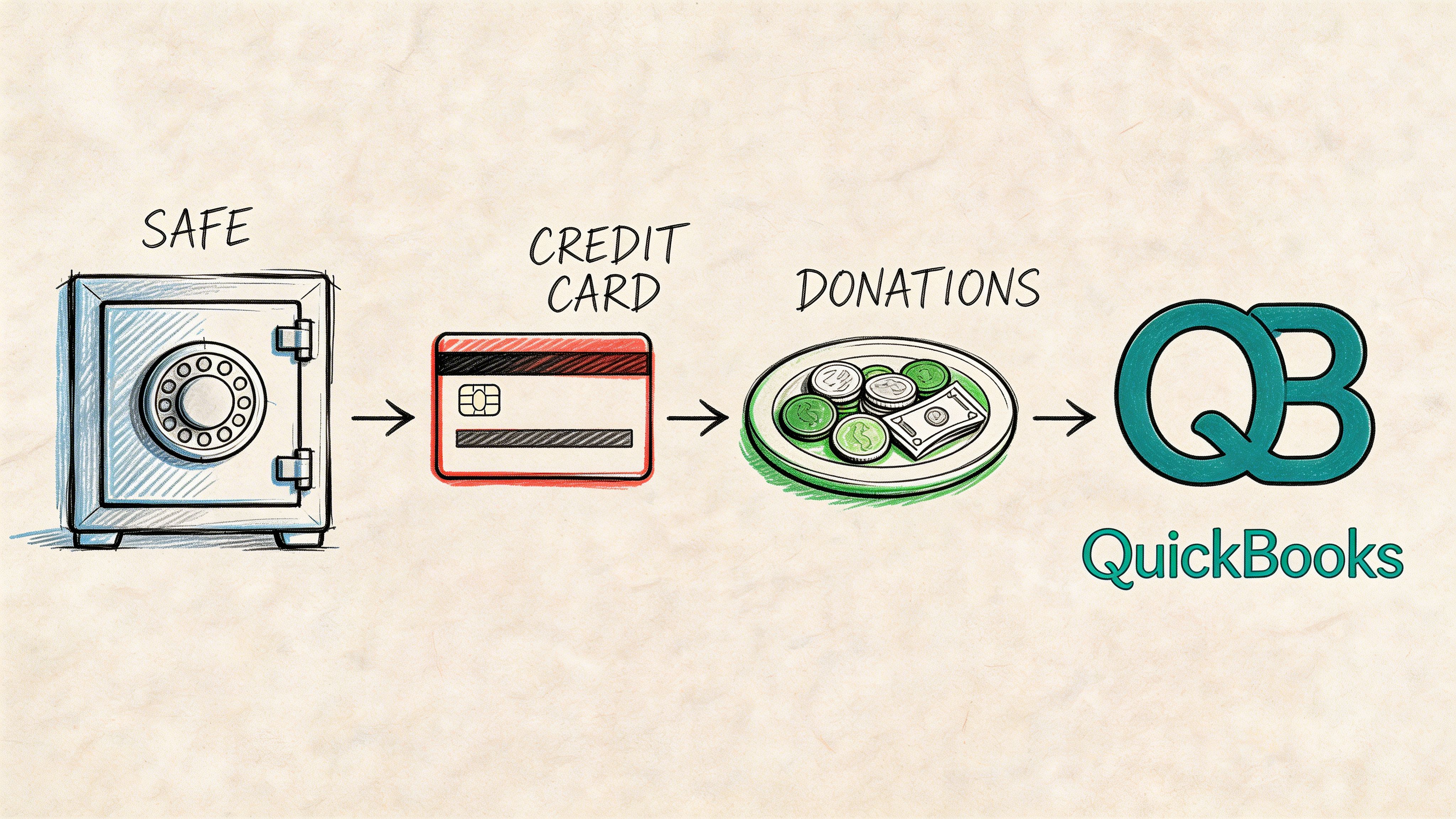
A bank feed imports activity. A giving platform batches donations. Stripe or Pushpay sends deposits that do not match donor detail cleanly. Then someone has to bridge the gap.
Start with bank connections
QuickBooks Online supports linking bank accounts and cards through its connection tools. In church use, that usually means connecting operating checking, savings, and any church credit card accounts first.
The practical rule is simple. Do not connect feeds until the account structure and classes are already defined. Imported transactions are only helpful when the destination logic is ready.
A clean process usually looks like this:
- Connect the bank account.
- Confirm beginning balances.
- Review imported transactions in batches.
- Apply the correct account coding.
- Assign the class for the relevant fund.
- Match bank activity to giving batches and expenses.
A significant challenge is giving data
Most churches now receive gifts through more than one channel. A Sunday batch may include in-person giving, card gifts, ACH donations, and platform fees handled in a separate settlement flow.
That is where QuickBooks starts leaning heavily on user discipline.
Data from 2026 shows 67% of church treasurers using manual QuickBooks setups spend over 8 hours weekly reconciling giving platforms, while modern API integrations can reduce that work to under an hour (VanCo on QuickBooks for churches).
That gap matters because the work is repetitive and easy to get wrong.
Bank rules help, but only to a point
QuickBooks bank rules can reduce repetitive coding when deposits and expenses follow consistent patterns.
Useful examples include:
- Recurring merchant fees routed to a processing fee expense account
- Regular payroll withdrawals matched to payroll clearing or payroll expense workflows
- Known transfer activity identified between operating and savings
- Common donation deposits mapped to your giving clearing pattern
The problem is that bank rules are only as good as the consistency of the incoming data. If your giving platform batches different funds into one deposit, a rule cannot safely reconstruct the donor intent on its own.
A deposit can tell you money arrived. It usually cannot tell QuickBooks which portions belong to general giving, missions, benevolence, and youth without extra setup or extra labor.
Bring the platform into the process
If your church uses Planning Center, Pushpay, Stripe, or another online giving tool, the bookkeeping process should start with how that platform structures exports and payouts.
Ask four practical questions:
| Question | Why it matters |
|---|---|
| Does the platform separate funds clearly before payout? | Fund-level detail makes posting easier |
| Do fees net against deposits? | Net deposits often confuse reconciliation |
| Can exports map to classes consistently? | Manual remapping creates error risk |
| Who reviews mismatches each week? | Automation still needs oversight |
A church that ignores these questions usually ends up reconciling deposits manually at month-end.
One useful training aid
If your team needs a visual walkthrough while setting up the connection flow, this video is a helpful companion before you finalize your import and matching rules.
Where churches get the best results
The strongest QuickBooks workflow usually has these traits:
- One person owns the import logic
- The giving platform export format is standardized
- Rules are reviewed, not trusted blindly
- The treasurer reconciles batches weekly, not only monthly
- Fund classes are checked before reports go to leadership
If you are comparing giving systems and trying to reduce reconciliation pain before it reaches QuickBooks, this roundup is worth bookmarking: https://grainledger.com/blog/online-giving-platforms-for-churches
Generating Reports Your Board Can Use
A church does not do all this setup work just to produce prettier bookkeeping. The point is to answer questions from pastors, elders, finance teams, and donors.
How much is available in the building fund? Are we overspending in operations? Did benevolence gifts go where they were intended? Can we explain the change in cash without hand-editing a spreadsheet first?
The report that matters most
In QuickBooks, the most useful fund-style report is usually Profit and Loss by Class.
If classes were assigned consistently, this report lets leadership review activity by fund rather than only by account. It is one of the few places where the workaround starts to feel coherent.
Run it regularly and review:
- Income by class
- Expense by class
- Net activity inside each designated fund
- Missing or odd-looking uncategorized lines
If one class looks sparse or distorted, assume a coding issue before assuming ministry activity changed dramatically.
What board members usually need
Board packets need fewer reports than many churches think. They need reports that answer the questions people are asking.
A useful monthly package often includes:
| Report | What it answers |
|---|---|
| Profit and Loss by Class | What happened in each fund this month |
| Balance Sheet | What the church owns and owes overall |
| Cash flow view | Where cash moved |
| Bank reconciliation summary | Whether balances are verified |
Some churches also want a class-based balance view. In practice, QuickBooks users often end up exporting reports and cleaning them up in a spreadsheet before leaders can read them easily.
Read the report like a steward
Do not stop at “the total looks right.”
Read for alignment:
- Did restricted income land in the correct class?
- Did expenses coded to that class match the intended purpose?
- Did any fund show negative activity that deserves explanation?
- Did a transfer or reimbursement distort the class totals?
Weak setup becomes apparent here. Reports may be technically available, yet still require accounting interpretation before they are safe to present.
A board report should create confidence in stewardship, not force three people to explain what the software meant.
Reconciliation is still essential
No report is trustworthy if the bank accounts are not reconciled.
In QuickBooks, monthly reconciliation should match:
- The bank statement
- The ending QuickBooks balance
- Any deposit or payment timing differences documented during the period
If your donations, expenses, and transfers are classed correctly but the bank is unreconciled, leadership is still looking at unstable numbers.
What works and what does not
QuickBooks reporting works best when:
- The chart stays simple
- Every transaction carries the correct class
- Imported bank activity is reviewed weekly
- Month-end reconciliation happens on schedule
It works poorly when:
- The file depends on end-of-month memory
- Reports are rebuilt in spreadsheets every cycle
- Different users code the same kind of transaction differently
- Class discipline slips during busy ministry seasons
That is the long-term issue with setting up QuickBooks for a church. The reports can be useful, but they are only as reliable as the workaround beneath them.
Compare platforms in our best church accounting software guide for 2026, or review Grain Ledger church accounting software.
Related church accounting software resources
If you are comparing software, these pages map the main decision points: fund accounting, QuickBooks limits, pricing, and migration.
- Best church accounting software (2026 comparison) - canonical guide comparing 12 church accounting platforms
- Church accounting software product page - see Grain Ledger for fund accounting, giving, and bank reconciliation
- Small church accounting software - see the product page built for volunteer treasurers and church admins
- Fund accounting features - review how Grain Ledger tracks designated funds
- QuickBooks for churches - understand workarounds and when to switch
- Free church accounting software - compare free options and upgrade triggers
- Grain Ledger pricing - compare plans for small and growing churches
- Start free - try fund accounting, giving imports, and bank reconciliation together
Conclusion From Tedious Bookkeeping to Confident Stewardship
QuickBooks remains a common starting place because it is familiar, available, and flexible enough to bend. For many churches, that is enough to get off spreadsheets and into a more disciplined process.
But bending is the key word.
Setting up QuickBooks for a church means building a careful chart of accounts, turning on class tracking, enforcing class assignment on every transaction, maintaining bank rules, reconciling giving platform deposits, and checking reports for coding drift. It can be done well. Many churches do it every month.
It is still a workaround.
The deeper issue is not convenience. It is stewardship. Churches need a system that reflects how ministry money works. General funds, restricted gifts, benevolence support, missions commitments, and board-level accountability should not all depend on manual simulation inside software built for standard business activity.
If your church is still held together by spreadsheets and volunteer memory, getting help with the workflow can relieve some pressure. In some cases, support outside the church office also helps, especially if you are weighing options like hiring a virtual assistant for bookkeeping to handle recurring admin work while leadership fixes the system itself.
The right question is not whether QuickBooks can be made to work.
The right question is whether your accounting system helps your church lead with clarity, or whether it keeps asking your team to patch around its limitations.
If your church wants accounting built around real fund stewardship instead of class-based workarounds, take a look at Grain. Grain is purpose-built for churches, with native fund accounting, direct integrations with church giving tools and banks, and reporting that speaks the language your pastors, treasurers, and board already use. Schedule a Demo to see a simpler path forward.
Ready to simplify your church finances?
Start free with church fund accounting, or watch a product demo first.