Using QuickBooks with iPad: A 2026 Church Guide
Learn to use QuickBooks with iPad for your church. Our guide covers setup, receipt capture, reports, and why Grain Ledger is a better fit for fund accounting.
If you're searching for quickbooks with ipad, you're probably not doing it out of curiosity. You're trying to solve a real problem in the middle of church work.
About Grain Ledger: This guide includes Grain Ledger, church fund accounting software built for designated gifts and ministry funds. It connects giving platforms (Planning Center, Pushpay, Tithely, Stripe), syncs bank activity with Plaid, and produces fund-level financial reports. Schedule a demo to see how it compares for your church.
See Grain Ledger for your church
Fund accounting, giving integrations, and bank reconciliation in one platform. Free migration support for churches switching from QuickBooks or Aplos.
A board member asks for an update before the meeting starts. A pastor texts about a ministry expense receipt. A volunteer bought supplies on Saturday and wants reimbursement before Sunday. The finance office isn't open, but the question still needs an answer. That's where an iPad becomes useful. It's not a replacement for sound accounting process, but it can keep church administration moving when nobody is sitting at a desk.
QuickBooks Online does give churches a workable mobile option for basic accounting tasks. I've seen it do well with transaction entry, receipt capture, invoice creation, and quick report checks. I've also seen where it starts to strain, especially when a church needs real fund accounting instead of a small-business view of the world.
Why Your Church Needs Mobile Accounting Access
Saturday night is when this usually shows up. A ministry leader texts a photo of a receipt. Sunday morning brings a reimbursement question, and Monday's board packet still needs current numbers. If your accounting system only works well from the office, small delays turn into month-end cleanup.
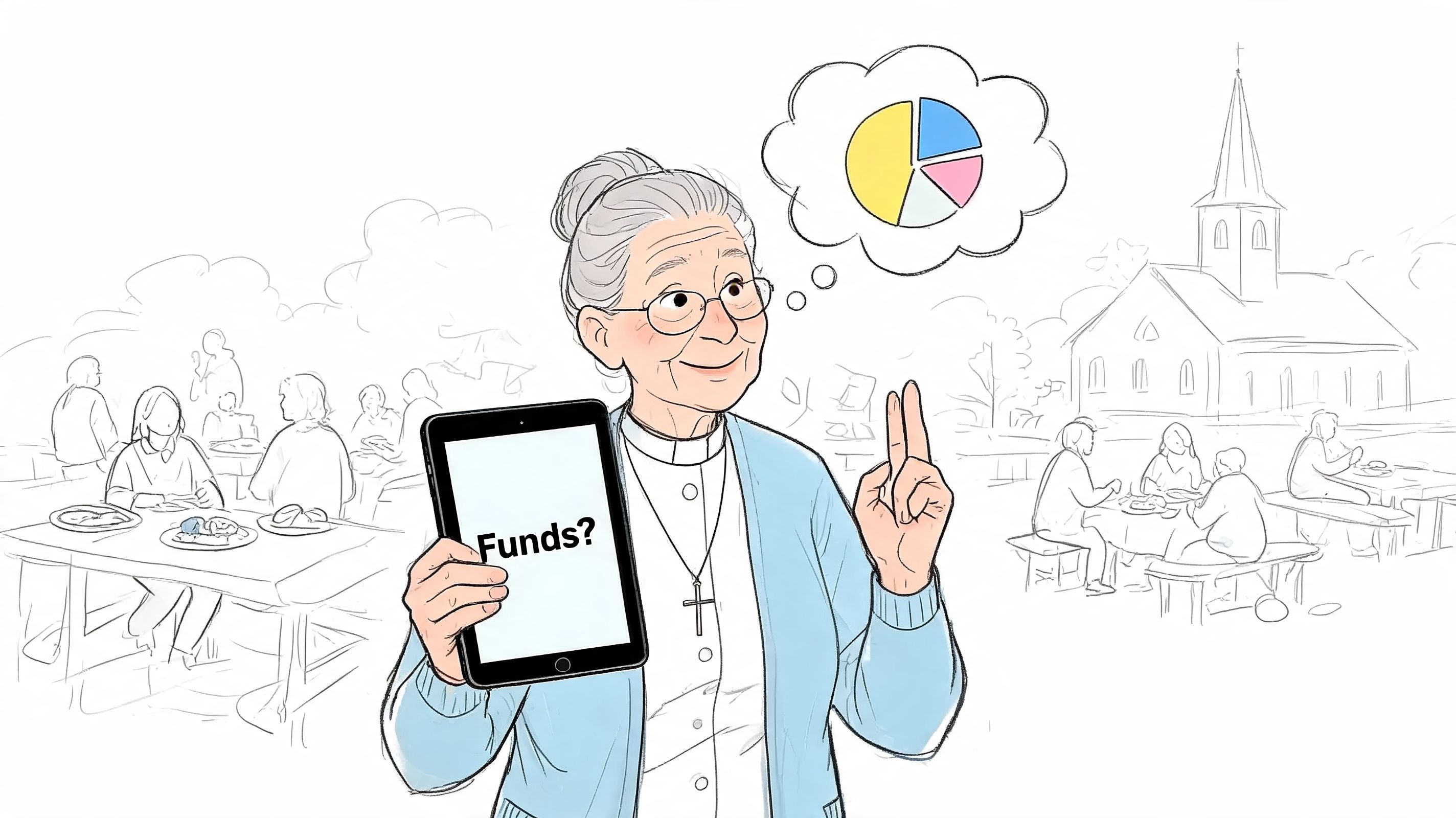
Church finance work rarely happens in one quiet block of time. It happens in hallways, in elder meetings, after worship, and between messages from staff who need answers now. An iPad helps because it is already in the room. You can review activity, capture documentation, and confirm whether something has been recorded without waiting to get back to a desktop.
That convenience matters most in a church setting because timing affects stewardship. Delayed receipt entry leads to missing support for expenses. Delayed transaction review makes fund balances harder to trust in meetings. Delayed approvals push routine reimbursements into a bigger pile later.
Where mobile access helps most
The strongest use for mobile accounting is quick handling of work that should happen close to the transaction:
- Capture receipts immediately so ministry purchases do not disappear into pockets, purses, or glove compartments.
- Check vendor or payment status during meetings when staff ask whether a bill has cleared.
- Review transactions away from the office if your church uses part-time finance staff, shared administrators, or outsourced bookkeeping.
- Confirm key balances before leadership meetings without printing fresh reports every time.
- Record simple payments promptly so the current picture is closer to reality.
I have used QuickBooks this way for years, and it does help. For basic entry and review, mobile access removes friction and keeps the work moving.
It also has limits. QuickBooks on an iPad is still QuickBooks. It is built for general business accounting, not true church fund accounting. So while mobile access improves response time, it does not solve the harder problem of restricted gifts, designated funds, and board-level clarity by fund. That is the gap many churches eventually run into.
If you are still setting up your process, our guide to configuring QuickBooks for church workflows can help you avoid cleanup later. If you are also deciding which device to buy for a finance role, Trade.com.au's iPad buying guide is useful for churches trying to equip staff without overspending.
For many churches, mobile access is worth having. It just should not be mistaken for a full answer to fund accounting. That is why churches that start on QuickBooks often end up looking for something built around the way church money is managed, which is exactly where Grain is stronger.
Setting Up The QuickBooks Online iPad App
Getting QuickBooks Online onto an iPad is straightforward. Getting it configured in a way that won't create cleanup later takes a little more care.
QuickBooks Online on iPad requires iOS 12, 4GB of RAM, and a 1 Mbps internet connection, based on the technical requirements summarized by Minding My Books. That same source notes that on an M1 iPad Pro, invoice processing can be 20-30% faster than on older laptops because the touch interface is optimized, but it also warns that latency above 100ms can cause sync failures, which matters for rural churches or buildings with weak connectivity.
If you're still deciding which device to buy for a finance role, Trade.com.au's iPad buying guide is a useful practical read, especially for churches trying to equip staff without overspending.
Install it the right way
Start with the App Store on the iPad. Search for QuickBooks Online, tap Get, then install the app. Once it's open, sign in with the same QuickBooks Online credentials you use on the web.
If you manage books for more than one church or ministry, pause here. Confirm you're opening the correct company file before entering anything. That sounds obvious, but it prevents one of the most frustrating errors in shared bookkeeping environments.
Then work through these setup checks:
Confirm internet reliability
Open the app only after confirming the iPad has a stable connection. Churches with patchy Wi-Fi often assume a sync happened when it didn't.Review privacy permissions
If you want QuickBooks to help with vendor or customer information already stored on the device, enable Contacts access in iPad settings.Check the account basics
Review company settings, user access, and any tax configuration needed for a bookstore, cafe, or event sales activity.Connect bank and card feeds carefully This process helps many churches save time, but it is also a common starting point for category errors if no one sets naming and review rules first.
Church-specific setup choices that matter
The app will let you move quickly, but your chart of accounts and workflows still need to be clean.
A few practical decisions help:
- Keep naming consistent: If one person uses "Youth Event" and another uses "Youth Ministry," mobile coding gets messy fast.
- Decide who enters what: Let one person handle bank feed review if possible. Shared mobile entry without clear responsibility creates duplicates and miscoding.
- Use the iPad for capture, not structure: Major list cleanup, account rework, and reporting design are still easier on the web.
- Document your process: If your church has rotating volunteers, write a one-page mobile procedure and keep it with finance notes.
If you're cleaning up your initial configuration or trying to avoid rebuilding your setup later, this guide on setting up QuickBooks for church workflows is worth reviewing before your team starts entering transactions from multiple devices.
The strongest QuickBooks with iPad setup is simple. Use the iPad for accessible entry and review. Use the web version for deeper configuration and oversight. Churches that keep those roles separate usually avoid the worst mobile accounting frustrations.
Handling Daily Church Transactions on Your iPad
Sunday is over, receipts are piling up, and a ministry leader wants reimbursement before the week gets away from everyone. That is the moment an iPad helps. QuickBooks works well for getting real activity entered while the details are still clear.
The mobile app is strongest at routine transaction work. Enter an expense from the church office couch, attach the receipt before it disappears into a glove box, record a payment during a staff meeting, or check whether a vendor was already paid. Those are practical wins. They reduce lag, and less lag usually means fewer guessing-based entries later.
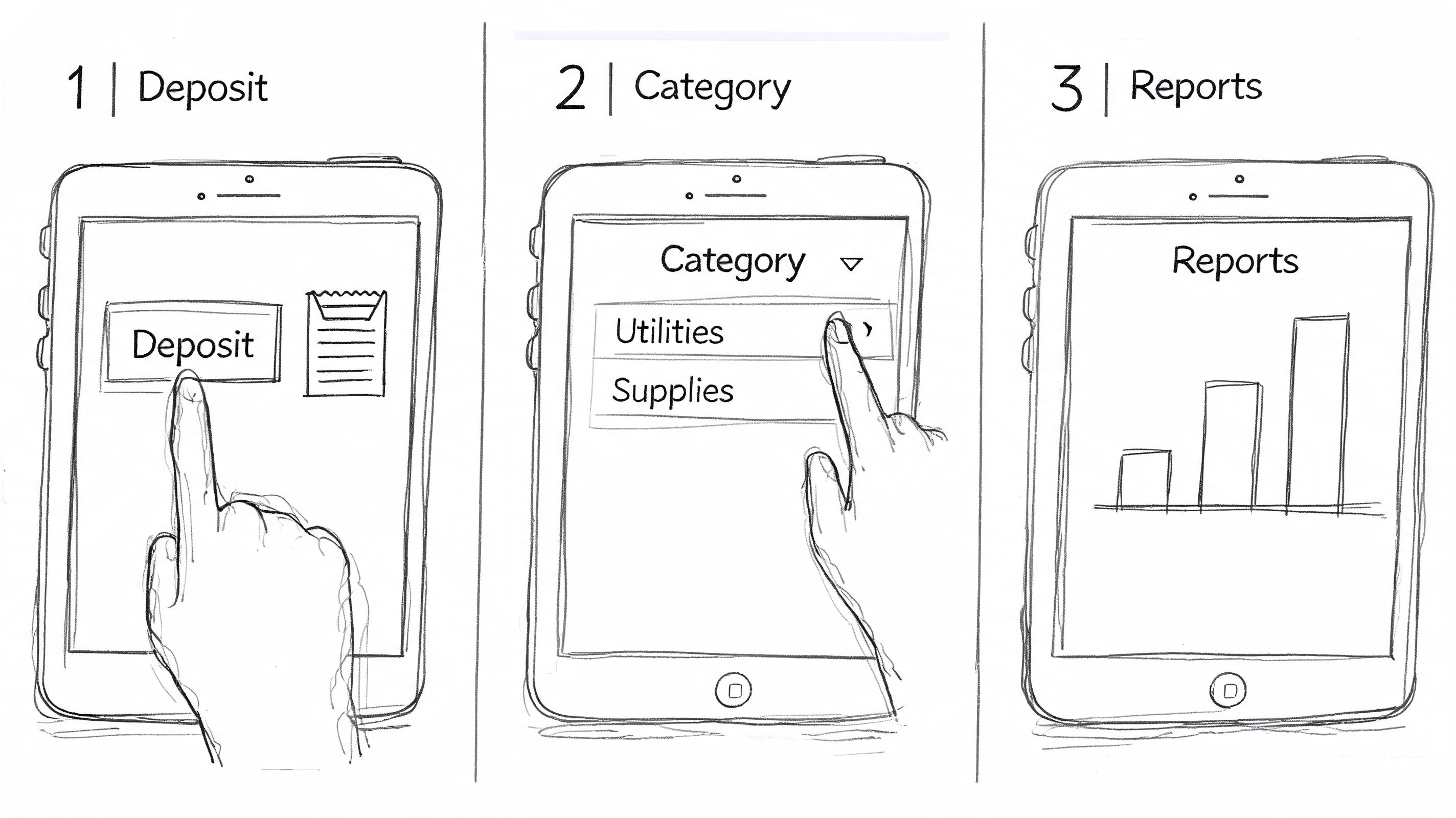
Tasks the iPad handles well
| Church task | What works well on iPad | What to watch |
|---|---|---|
| Expense entry | Add the expense while details are fresh | Categories still need review for consistency |
| Receipt capture | Attach a photo immediately from the camera | Blurry images create audit headaches |
| Vendor checks | Look up open or past items during a meeting | Don't rely on memory for coding decisions |
| Payment recording | Mark invoices as paid without waiting for desktop time | Confirm the payment hit the right account |
| Sales receipts or event income | Enter activity promptly after an event | Separate true donations from sales activity carefully |
A practical workflow for ministry spending
I have seen this pattern work in real church offices.
A youth pastor buys supplies for retreat check-in. The receipt gets photographed and attached the same day. The expense is entered before anyone forgets whether part of the purchase belonged to hospitality, curriculum, or transportation. If the cost needs to be split, QuickBooks can handle the mechanics on the iPad.
That is the good part.
The trade-off is that QuickBooks still expects someone to know the right account, class, customer, or location at the time of entry. Churches often use those fields as stand-ins for funds or ministries. On a busy day, that works only if the person entering transactions understands the chart of accounts and the church's restriction rules. The app speeds up input. It does not fix unclear accounting decisions.
Common daily uses inside a church office
These are the jobs I would comfortably assign to QuickBooks on iPad:
- Recording a payment: Useful when a facility renter, preschool family, or other payer settles an open balance.
- Reviewing vendor balances: Helpful when staff ask whether a musician, contractor, or copier company has already been paid.
- Creating a sales receipt: A solid option for event fees, book sales, or other non-donation income that needs prompt entry.
- Keeping bank feeds current: Good for basic transaction review when no one is sitting at a desktop.
- Checking contact records: Practical for vendor lookups, renter information, and repeat payees.
Keep the mobile workflow close to the transaction. Every extra day between the purchase and the entry raises the chance of miscoding.
Churches run into trouble when they expect mobile convenience to carry fund accounting on its own. QuickBooks can capture daily activity on an iPad. It still does not natively track restricted and unrestricted church funds the way a finance committee expects. That gap shows up fast when reimbursements, designated gifts, event income, and ministry spending all start flowing through the same system.
That is why I treat QuickBooks on iPad as a transaction tool, not a church fund accounting solution. For basic entry, it is useful. For churches that need clean fund-level accountability without workarounds, Grain solves the problem QuickBooks keeps pushing back onto your staff.
Accessing Reports for Financial Oversight
Church leaders don't just need data entry. They need reports they can trust in the room where decisions happen.
QuickBooks on iPad gives you a respectable mobile reporting layer. For quick review, that matters. If a pastor wants a current balance snapshot or a treasurer needs to check a standard financial report while away from the office, the app can help without forcing a laptop session.
What you can actually see
The mobile app includes 25+ basic reports, while QuickBooks Online Advanced and Enterprise add a web-based KPI Scorecard with more than 80 KPIs and historical comparisons, according to Intuit's help documentation on viewing key performance indicators for your business.
That distinction matters for churches.
The iPad experience is fine for broad oversight. The deeper KPI layer lives primarily in the web environment. And even there, those metrics are designed for business performance categories such as growth, cash flow, and profitability, not native church fund segregation.
Where the reporting gap shows up
A church board usually asks different questions than a small business owner.
They want to know whether restricted money stayed restricted. They want visibility by ministry, by designated purpose, and by actual fund position. They want reports that support stewardship conversations, not just operating summaries.
QuickBooks can approximate some of this through setup choices and custom reporting habits, but the iPad isn't where those workarounds feel strong. It's where they feel thin.
Consider the difference:
- Good mobile question: Has this expense been entered yet?
- Harder church question: What is the current position of the building fund after recent designated giving and this week's ministry spending?
- Even harder question: Can I show that clearly on an iPad in a form my board will understand immediately?
The mobile app is useful for checking financial movement. It is less convincing when leadership needs fund-level confidence.
A realistic leadership standard
For many churches, the iPad should be treated as a reporting checkpoint, not the final reporting environment.
That's not a failure of the device. It's a mismatch between general accounting reports and church stewardship reporting. If your leadership team only needs high-level operational visibility while away from the office, QuickBooks with iPad can carry that load. If they need fund-specific board reporting, you'll still reach for a browser and often a more specialized process.
That gap is where many church finance teams start realizing that mobile access and true fund accounting are not the same thing.
Options for QuickBooks Desktop Remote Access
Some churches are still on QuickBooks Desktop, and they aren't switching this month just because mobile access would be nice. If that's your situation, iPad use is still possible, but it's a workaround.
There are two common paths. The first is a remote desktop tool that mirrors your office computer onto the iPad. The second is hosted access through a cloud provider that runs the desktop environment remotely.
Remote desktop from the iPad
A remote desktop connection lets the iPad act like a window into the church office computer. If you want a plain-language overview before choosing a method, SES Computers on remote access gives a useful explanation of how remote desktop works.
The benefit is obvious. You see the actual Desktop program and keep your current file.
The downside is just as obvious. QuickBooks Desktop wasn't designed for touch interaction. Menus feel cramped, scrolling can be awkward, and precision tasks take longer than they should.
Hosted desktop access
The other path is hosted QuickBooks Desktop through a cloud environment. This can reduce some of the pain of connecting to an office machine directly, and it helps churches that need shared access from multiple locations.
Still, you're paying to preserve an older workflow. You're not getting a native iPad accounting experience. You're renting access to the desktop experience from farther away.
When this makes sense
Remote access is reasonable if your church:
- Has deep history in Desktop and can't migrate yet
- Relies on desktop-only features your team still needs
- Needs occasional iPad review more than full mobile entry
- Wants continuity first and modernization second
If you're evaluating whether staying on Desktop is worth the effort, this breakdown of QuickBooks Desktop Pro 2024 for church use can help frame the trade-offs.
For most churches, remote desktop is a bridge. It isn't the destination.
Compare platforms in our best church accounting software guide for 2026, or review Grain Ledger church accounting software.
Related church accounting software resources
If you are comparing software, these pages map the main decision points: fund accounting, QuickBooks limits, pricing, and migration.
- Best church accounting software (2026 comparison) - canonical guide comparing 12 church accounting platforms
- Church accounting software product page - see Grain Ledger for fund accounting, giving, and bank reconciliation
- Small church accounting software - see the product page built for volunteer treasurers and church admins
- Fund accounting features - review how Grain Ledger tracks designated funds
- QuickBooks for churches - understand workarounds and when to switch
- Free church accounting software - compare free options and upgrade triggers
- Grain Ledger pricing - compare plans for small and growing churches
- Start free - try fund accounting, giving imports, and bank reconciliation together
The Reality Check for Church Fund Accounting
An iPad is handy on Sunday afternoon. A fund mistake discovered on Monday morning is not.
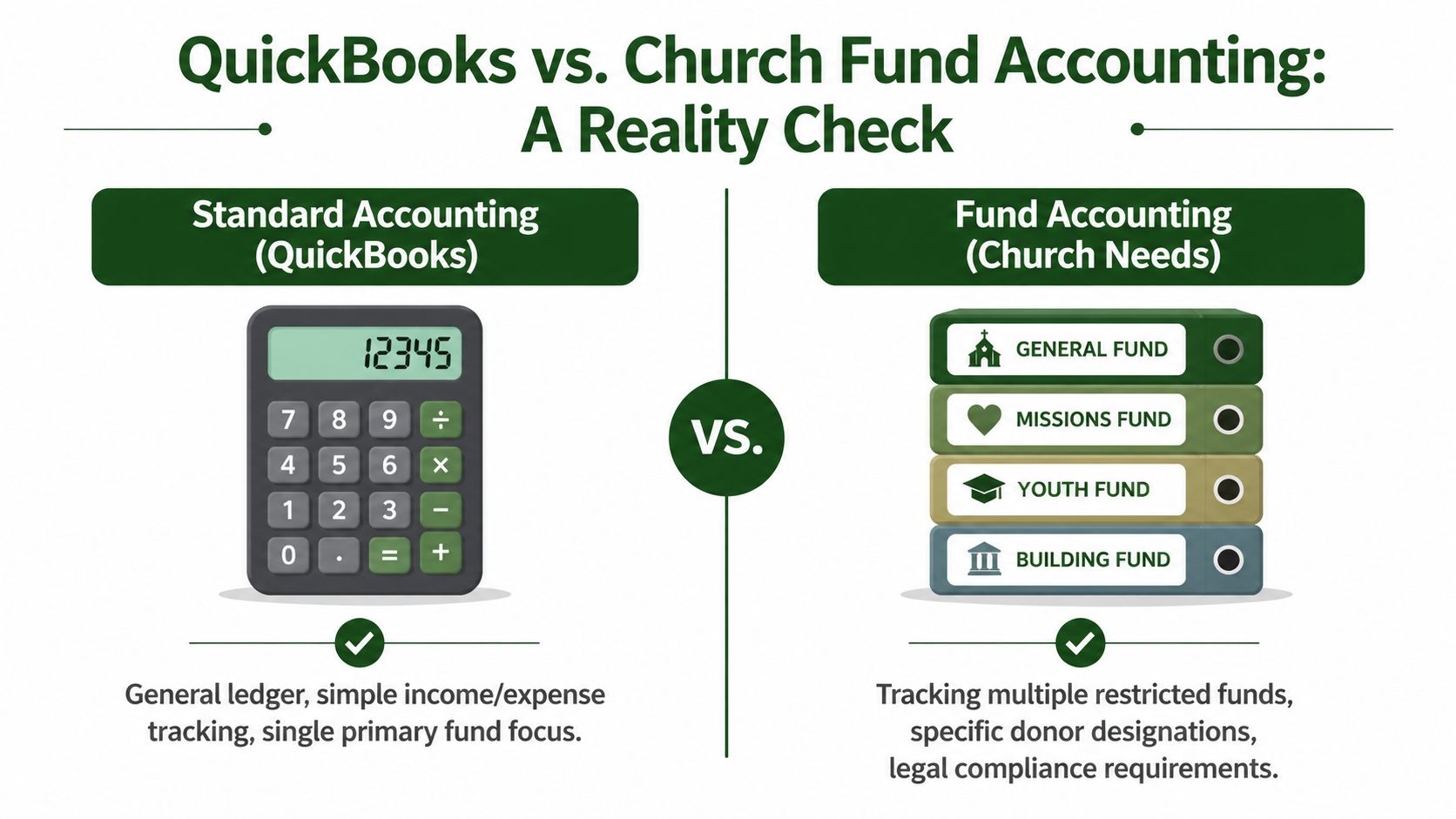
That gap matters in churches more than it does in most small businesses. A church may receive unrestricted gifts, designated offerings, benevolence money, missions support, building campaign gifts, and ministry-specific balances all in the same week. Those amounts are not just reporting categories. They carry donor intent, board oversight, and stewardship obligations.
Why the workaround breaks down
QuickBooks can be made to resemble fund accounting. Many churches use classes, locations, tags, sub-accounts, and internal rules to get there. I have done that work myself, and it can hold together for a season if one experienced person understands every shortcut.
It gets fragile fast.
The core issue is that the software doesn't treat funds as the native structure. It asks church teams to simulate them. If you want a broader look at the challenges of using QuickBooks for churches, that pattern shows up again and again.
A transaction can be entered on time and still be wrong for fund purposes. A benevolence expense may hit the correct vendor but the wrong class. A designated gift may be deposited correctly but assigned inconsistently. The summary report can still look fine, which is what makes this dangerous. On an iPad, where screen space is tighter and review is often faster and less detailed, those errors are easier to miss.
That is the practical limitation church finance teams run into. QuickBooks on iPad helps with access. It does not make fund accountability the default.
What church leaders actually need
Church leaders need software that starts with funds, not software that asks staff to remember extra coding steps every time they post a transaction.
That means:
- Restricted balances remain restricted without depending on staff memory.
- Gifts post to the right fund structure without cleanup after the fact.
- Financial statements read clearly by fund without spreadsheet repairs before every meeting.
- Pastors, treasurers, and board members see reports in church terms instead of small-business workarounds.
Outside support matters too. If a church hires a service to help with bookkeeping, the provider needs nonprofit and church accounting judgment, not just QuickBooks cleanup skills. This article on choosing bookkeeping partners for nonprofits is a useful reminder that process and review standards are different for organizations handling restricted money.
Quick comparison
| Feature | QuickBooks on iPad using Classes | Grain Ledger |
|---|---|---|
| Fund structure | Simulated through workarounds | Native fund-based architecture |
| Restricted donation handling | Depends on correct manual coding | Built around keeping funds organized from the start |
| Mobile usability for church finance | Good for entry and review | Designed around church fund workflows |
| Reporting by fund | Limited and often indirect | Fund-level reporting is central |
| Giving platform alignment | Requires more manual handling | Built to unify accounting with church giving tools |
| Board-ready stewardship visibility | Possible with effort | More direct and church-specific |
Churches can survive on workarounds for a while. They usually outgrow them before they admit it.
My recommendation is straightforward. If your church wants simple mobile access, QuickBooks Online on an iPad can cover part of the job. If your church needs fund accounting that holds up under audit, board review, and day-to-day ministry spending, use software built for church fund structure.
If your church is tired of class tracking, manual fund workarounds, and reports that never quite match how ministry money is supposed to be handled, take a serious look at Grain. It's built for church fund accounting from the start, with native fund structure, integrations with the tools churches already use, and reporting that makes sense to pastors, boards, and finance teams.
Ready to simplify your church finances?
Start free with church fund accounting, or watch a product demo first.